360° Panoramas & Mobile Mapping
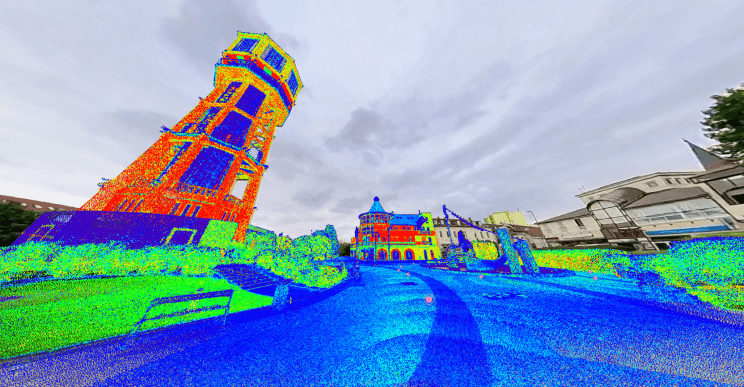
Point clouds are hard to read for anyone who wasn't on site. Panoramas aren't. Open the 360° images from your scanner or mobile mapping system in the same project as the scan, and draw the point cloud, CAD vectors and IFC models over the photo to check how the design fits what is actually there.
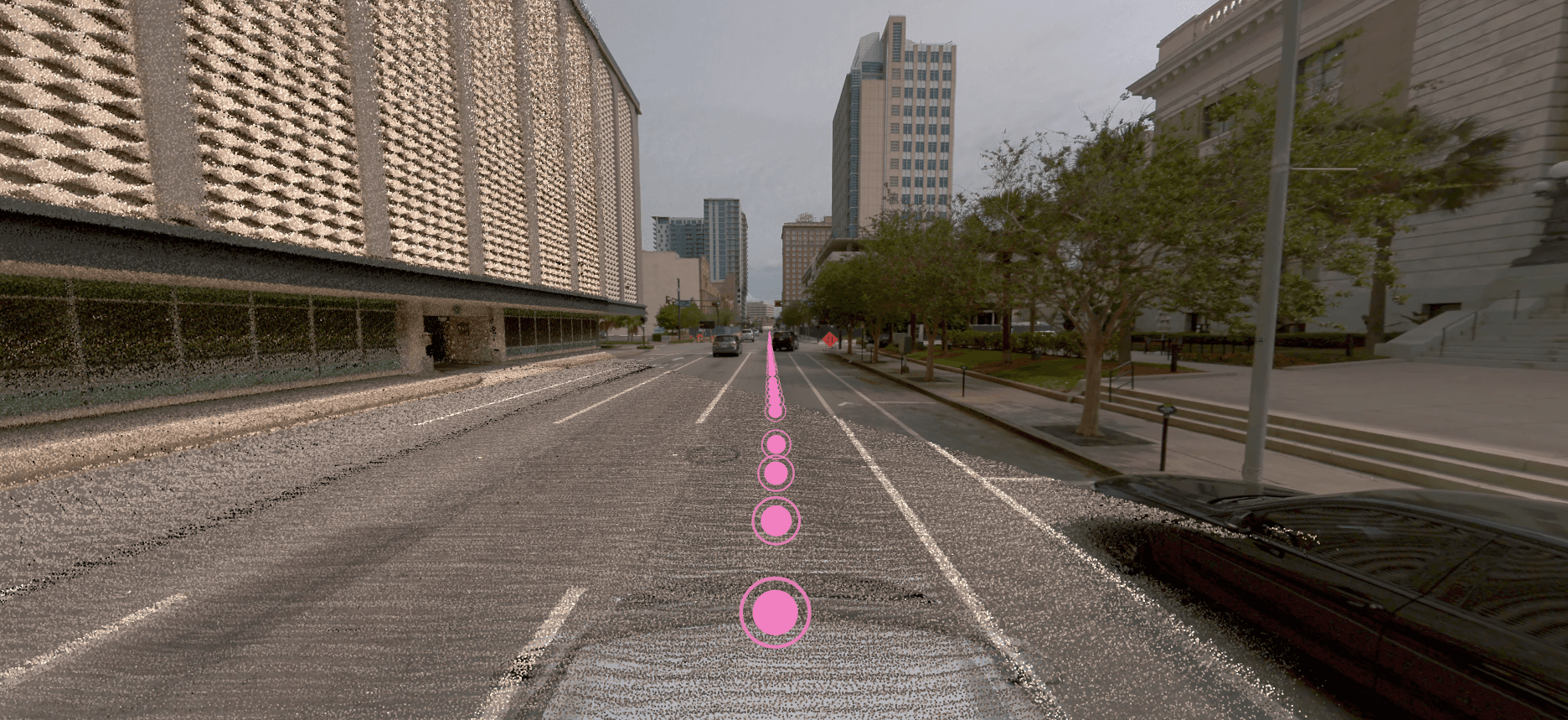
- Overlays
- Point clouds, vectors, models
- Inputs
- Panoramas or photos with pose data, E57 imagery
- Pro adds
- Face and plate blurring, Google Street View
Moving between panoramas and the point cloud
Every image sits at its capture position, shown as a marker. Click a marker to open that panorama, or switch to the point cloud when you need a measurement rather than a picture.
For the office team drawing from the data, this is the closest thing to going back to site. They can read a sign, check a surface finish or work out what a cluster of points actually is before they draw it.
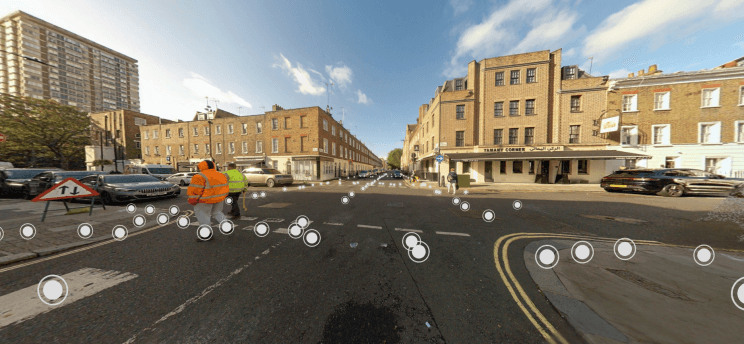
What you can do with panoramas in SkyGIS
- Jump between capture positions from the markers or the map
- Overlay the point cloud on the photo
- Project CAD vectors onto the image to check a drawing against the site
- Show structural and MEP models from IFC inside the panorama
- Adjust the image when a capture came out too dark or flat
- Share the project so a client can walk through the panoramas without an account
Getting mobile mapping imagery into a project
Export with pose data
Panoramas or survey photos need their position, orientation and calibration data, or embedded imagery in an E57. Photos on their own can't be placed.
Upload and process
Choose the import path for your capture system, or upload the E57. Processing places each image at its capture position.
Check before you share
Open a few images and compare them with the point cloud. With Pro, face and licence plate blurring can run during processing.
Example
Checking roadside signs before a site visit
A highways asset team needs to confirm sign plates along a route before planning maintenance. They find each sign from the map, read the plate in the panorama and take the mounting height from the point cloud next to it.
Signs they can't read, or that look damaged, go on the visit list as points of interest. The panoramas show the route on the capture date, so anything that may have changed since still gets checked on site.
- Data
- Mobile mapping panoramas and point cloud
- Output
- Points of interest for the site visit
Street-level imagery in Viewer and Pro
SkyGIS Viewer
- 360° panoramas and positioned survey photos
- Point cloud, CAD and IFC overlays on the image
- Measurements in the point cloud
- Share links that open without an account
SkyGIS Pro adds
- Face and licence plate blurring during processing
- Google Street View next to your own imagery
- Tracing and editing 3D vectors on panoramas and point clouds together
Questions
Why show panoramas next to the point cloud?
Point clouds are hard to read for anyone who wasn't on site; photos aren't. Panoramas let clients and office staff recognise what they're looking at, read signs and check finishes, while the point cloud supplies the measurements.
Can panoramas save a trip to site?
Often, for questions about what's there: a sign plate, a surface finish, the equipment on a wall. The images show the site on the capture date, so anything that may have changed since still needs checking.
Can clients walk through the panoramas without an account?
Yes. Share the project as a link and they open the panoramas and the point cloud in a browser.
Can SkyGIS blur faces and number plates in panoramas?
Yes, in SkyGIS Pro. Blurring runs during processing. Check the results before sharing, because detection can miss things.
Open your panoramas next to the scan
Upload an E57 with imagery to a free project and walk through it in the browser. Send yourself the link to see it the way a client would.