Review a site remotely before you visit
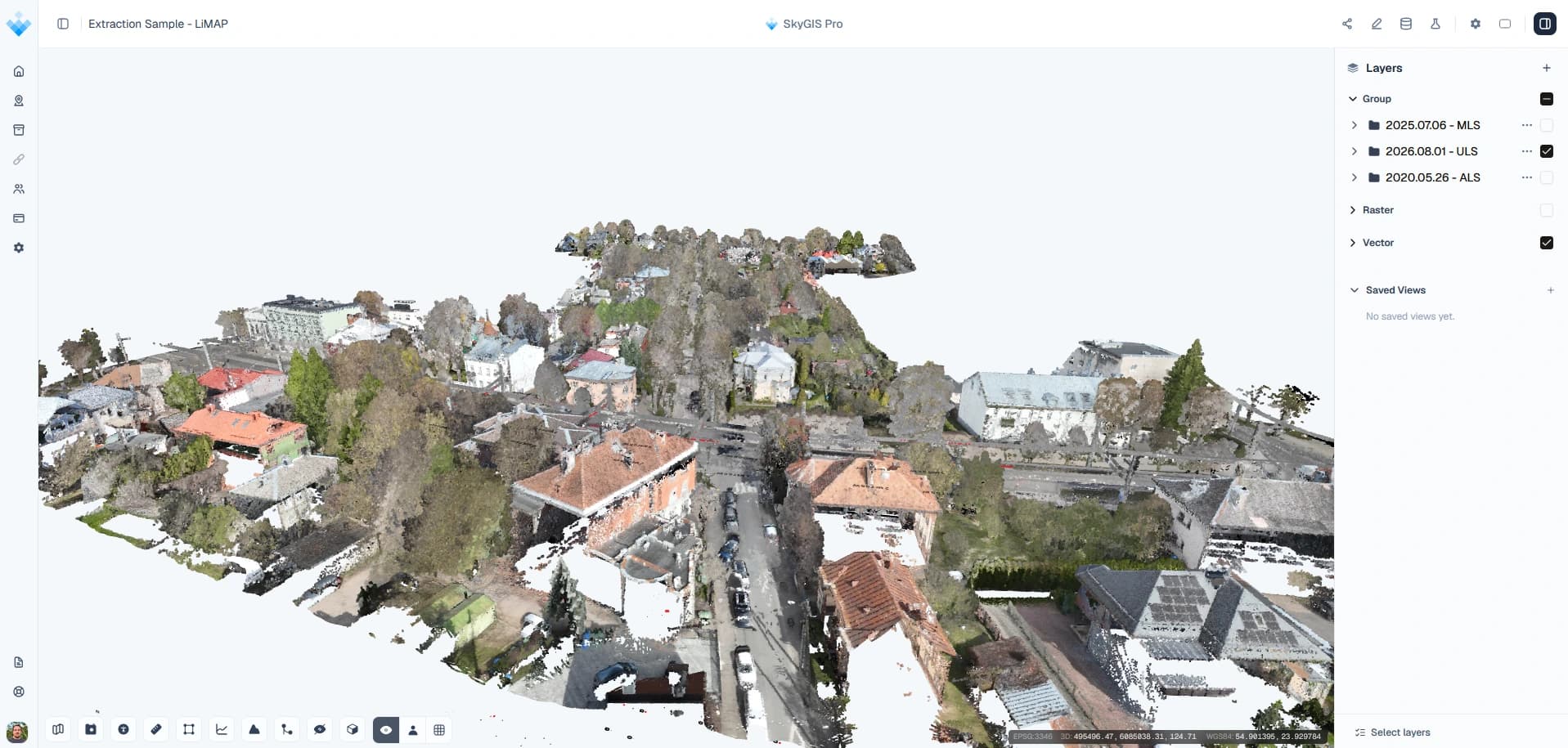
Before anyone drives to site, open the survey in a browser and walk it. The orthophoto shows layout and access, the 360° panoramas show what things look like, and the point cloud gives you dimensions. Settle what the data can answer from the office, then send people out with a short list of what it can't.
- Layers
- Orthophoto, 360° panoramas, point cloud
- Who joins
- Colleagues, or anyone with a share link
- Ends with
- A short list of what still needs a visit
Example
A pre-visit review on a call
A design team is planning new plant at an existing site. They have a terrestrial scan, panoramas from the same scanner and a drone orthophoto, all in one SkyGIS project. Before booking a visit, the project lead shares the project on a call and starts on the orthophoto to agree the delivery route and laydown area.
Stepping through the panoramas along the route shows the gates, the kerbs and a low pipe bridge. Someone switches to the point cloud and measures the clear height under the bridge and the width of the gate. Every question the data can't answer gets a point of interest (POI), and the exported POI list becomes the agenda for the visit.
- Layers
- Point cloud, 360° panoramas, orthophoto
- Kept
- Saved views and an exported POI list
What each layer tells you
Each layer answers a different question, so most of a remote review is switching between them at the same spot.
Orthophoto
GeoTIFF or JPEG 2000 under the map. Layout, access routes, boundaries and laydown space, as they were on the day it was flown.
360° panoramas
What surfaces, signs and equipment look like. Each panorama opens at its captured position, with the point cloud and CAD linework overlaid.
Point cloud
Dimensions. Measure distances, heights and areas, and use a clip box to see into a room or under a structure.
WMS and WMTS layers
Records that aren't in the survey, such as underground utilities or cadastral boundaries, streamed from an existing map service.
What a remote review settles, and what still needs a visit
Settled from the office
- Access routes, gate widths and clear heights within the scanned area
- Where visible equipment, signage and services are
- Which parts of the site the survey covers and which it misses
- A set of saved views and POIs for the people going to site
Still needs someone on site
- Anything behind walls, above ceilings or below ground
- Anything that has changed since the capture date
- Areas the scanner or camera didn't reach
- Condition checks that need hands-on testing
Capture dates and repeat surveys
The project shows the site on the day it was captured, not today. Put the capture date in the folder or layer name so nobody reviews a year-old scan as if it were current.
When the site is surveyed again, the new capture goes into its own dated folder in the same project. Turn one survey off and the other on at the same view to see what has changed, with the earlier record still there for reference.
Questions
Can a remote site review cut down on site visits?
Yes, the ones that were only for looking and measuring. Access routes, clear heights and the position of visible equipment can be settled from the office. Concealed conditions, changes since the capture date and areas outside the survey still need someone on site.
Who can take part in a remote review?
Colleagues who are project members open it with their own login and can use shared saved views. Clients, designers and contractors join through a share link in their browser, without an account or software.
What survey data do I need for a remote review?
A point cloud and an orthophoto cover layout and dimensions. 360° panoramas from the same capture make the review much easier for people who don't read point clouds.
Can the site team use the project without a signal?
Yes, with SkyGIS Pro. Make the project available offline on a tablet before the visit and it still opens when the signal drops. Viewing online on a phone or tablet works on every plan.
Try it with your own data
The free plan includes one user and 5 GB of storage, with no credit card required. Upload a file and open it in your browser.