Custom Domain & White-Label Portal
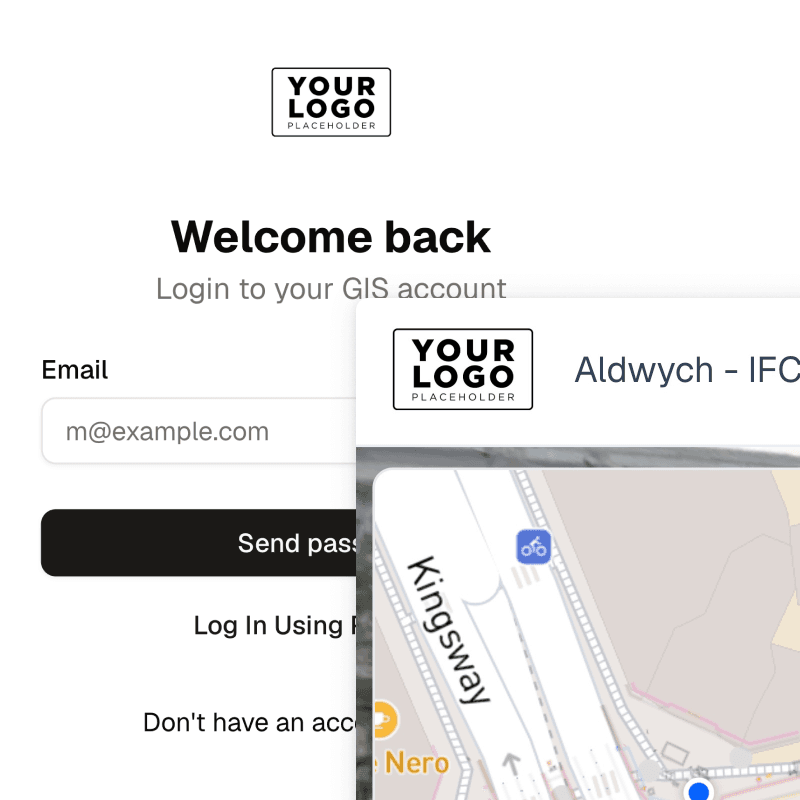
Your logo, your domain. Clients see your brand, not ours. Logo branding on the viewer and sign-in page comes with Viewer. Pro adds the last piece: SkyGIS on an address you own, such as portal.example.com, connected with a CNAME record.
- Logo branding
- Viewer and Pro
- Own domain
- Pro
- Setup
- A CNAME record at your DNS provider
Branding on Viewer, your own domain on Pro
Viewer
- Your logo in place of SkyGIS on the sign-in page and project header
- Your branding on every link you share
Pro adds
- SkyGIS on a domain or subdomain you control
- Client sign-in at your own address
- Activation status while DNS and the certificate are set up
Connecting a custom domain
Add the domain
In organisation settings, enter the domain or subdomain you want to use.
Create the CNAME
Add the record SkyGIS gives you at your DNS provider.
Wait for activation
Status checks show progress while DNS updates and the certificate is provisioned.
Test it as a client
Open the address, sign in and check the branding and project access before you send it to anyone.
What changes for clients, and what doesn't
The address changes, and so does the branding around it. Access does not. Project permissions, member roles and share-link settings work as they did before, so a client who couldn't see a project before won't see it on your domain either.
A client signing in to review a scan of their site does it at your address, under your logo.
Questions
Can I white-label SkyGIS for my clients?
Yes. With Viewer, your logo replaces SkyGIS branding on the viewer and sign-in page. Pro adds your own domain, so clients sign in at an address you own.
Do I need Pro to put my logo on the viewer?
No. Logo branding on the viewer and sign-in page is part of Viewer. Pro is only needed for your own domain.
What does it take to set up a custom domain?
Someone with access to your domain's DNS adds one record that SkyGIS gives you. The portal goes live once the record resolves and the certificate is active, so if IT manages your DNS, ask them before you start.
Does a custom domain change who can see a project?
No. Project permissions and share-link settings stay as they were.
See it on one of your own datasets
Pro is priced around your team and data volumes. The quickest way to judge it is a 30-minute walkthrough on a dataset you already have.