Embankment Crest-Line Extraction
Tracing a crest by hand along a long surface or point cloud is slow work. Give SkyGIS Pro a guide, either the project alignment or a line you draw, and it samples sections along it, proposes the crest on each and joins them into a 3D line you can check before you save it.
- Input
- LandXML TIN surface or point cloud
- Guide
- Alignment or drawn line
- Output
- 3D polylines, DXF export
How crest-line extraction works
The tool runs on a LandXML TIN or point cloud loaded in the project. You set a station spacing and a search corridor either side of the guide. At each station SkyGIS samples a section across the surface within the corridor and proposes a crest position, then joins the positions into a 3D line.
The guide only has to follow the embankment roughly. The corridor width decides how far from it the tool looks: too narrow and it misses the crest, too wide and it can pick up an unrelated crest such as a berm.
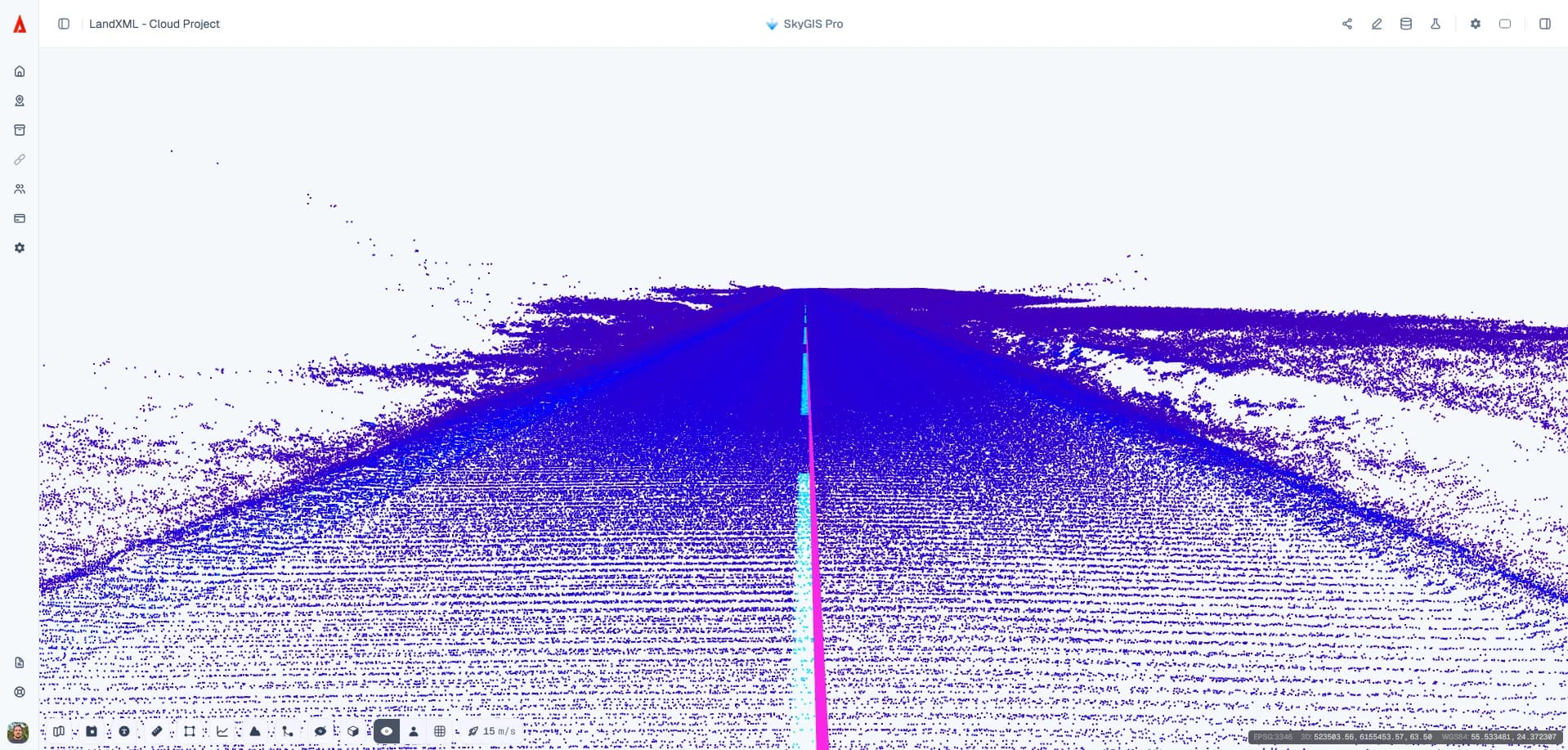
From surface or point cloud to DXF polyline
Open crest extraction
Start it from the LandXML TIN layer or point cloud you want to work on.
Choose the guide
Use an existing alignment or draw a guide along the embankment.
Tune spacing and corridor
Adjust the station spacing and search corridor while you watch the preview. An optional boundary limits where the tool searches.
Check for gaps
Where data is missing, the line splits into separate segments and doesn't bridge the gap.
Save and export
Save the runs you accept to a vector layer. Each line keeps its elevations and the settings used to extract it, and the save notification has an Export as DXF action for 3D polylines.
Questions
Why automate embankment crest tracing?
Tracing a crest by hand along a long surface or point cloud is slow. SkyGIS Pro proposes the crest along a guide and joins it into a 3D line, so the technician reviews and accepts runs instead of drawing every vertex.
Can SkyGIS extract breaklines from a point cloud automatically?
Not all of them. SkyGIS can trace a single crest or toe line along a guide from a point cloud, but it doesn't detect every breakline across the surface.
Can I open the extracted crest line in CAD?
Yes. Export the saved runs as DXF and they open as 3D polylines with their elevations.
See it on one of your own datasets
Pro is priced around your team and data volumes. The quickest way to judge it is a 30-minute walkthrough on a dataset you already have.