Thickness & Surface Conformance
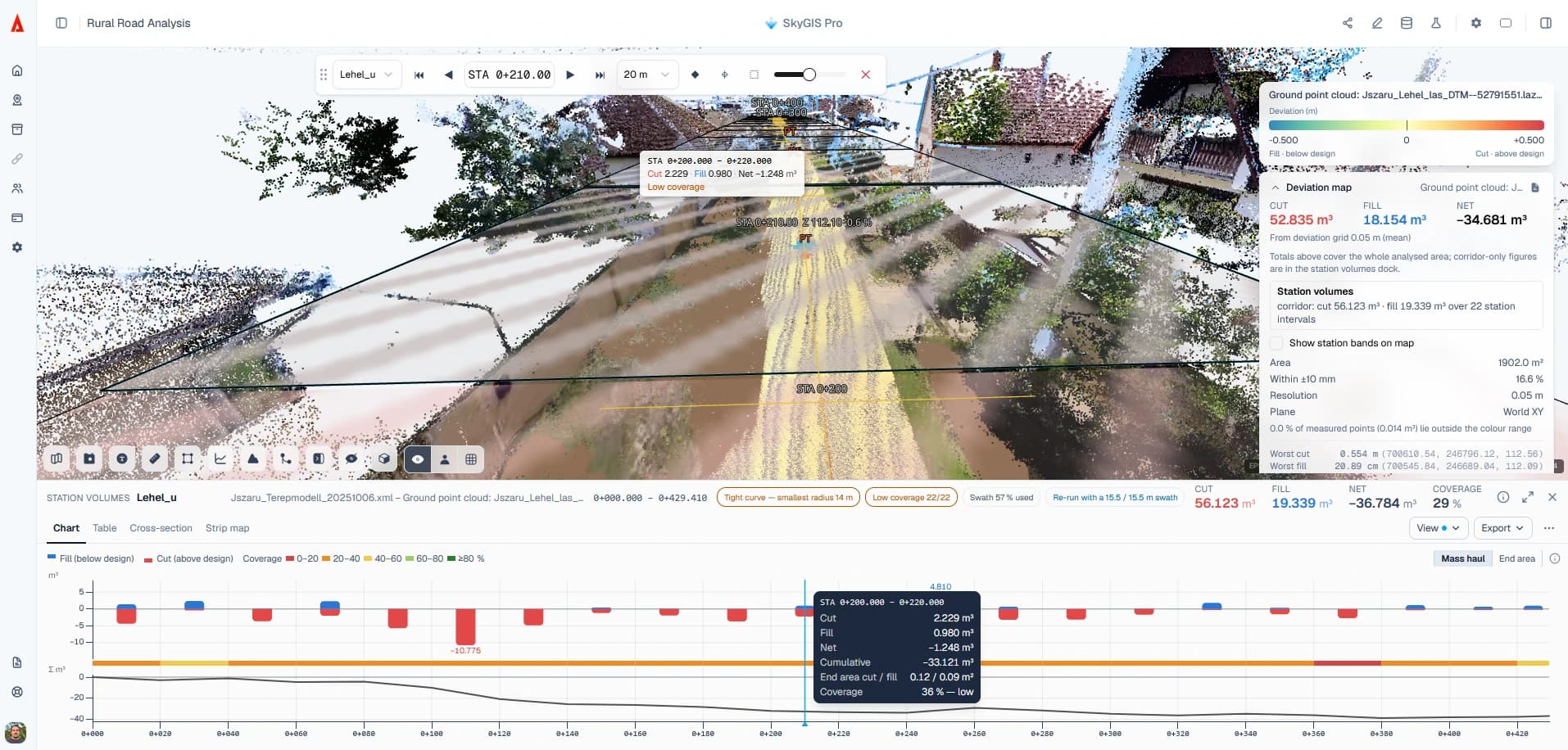
A difference map shows where the as-built surface sits above or below the design. A conformance check turns that map into a verdict against a target you set: a surface match, a constant thickness, or the thickness between two design surfaces. You decide how much too little and too much material is acceptable, and how much failing area the check may allow.
- Targets
- Surface match, constant thickness, two design surfaces
- Tolerances
- Separate limits for under and over
- Runs inside
- A deviation or surface-difference analysis
Choosing the thickness expectation
The expectation is the question the check answers. Which ones you can use depends on the analysis it runs in.
- Deviation and surface difference
Surface match
The measured surface should sit on the reference surface. Use it where the design gives a level rather than a depth, such as a formation or a finished surface.
- Deviation and surface difference
Constant thickness
The measured surface should sit a fixed thickness from the reference. Use it when the specification gives one depth for the whole layer.
- Surface difference only
Two design surfaces
The required thickness varies and comes from the gap between two design surfaces, such as the top and bottom of a course. Deviation already has one reference surface, so this option belongs to surface difference.
Under and over tolerances, and the failing-area limit
Too little material and too much are rarely equally bad. A thin base course weakens the pavement, while a few millimetres extra mostly costs material. So the check takes two tolerances: how far under the target the layer may be, and how far over.
Say a sub-base is specified at 150 mm, with 15 mm allowed under and 25 mm over. Anything from 135 mm to 175 mm is within tolerance. The failing-area limit then sets how much of the measured area may fall outside that band before the check fails, so you agree up front how much local failure is acceptable instead of arguing about it afterwards.
Running a thickness check
Start the comparison
Open a surface-difference or deviation analysis, pick the measured and reference inputs, and set the survey reduction method the comparison uses.
Set the expectation
Turn on the expectation, choose match or thickness, then enter the under and over tolerances and the failing-area limit.
Read the verdict with its evidence
The verdict sits next to the criteria it used, the measured coverage and the difference map. Out-of-tolerance patches show you where to look next.
Questions
What does a thickness check give the site team?
A verdict against a target you set, not just a colour map. You decide how much too little and too much material is acceptable and how much failing area is allowed, and the verdict comes with the measured coverage behind it.
Can I set different tolerances for too thin and too thick?
Yes. The under and over tolerances are separate, so a specification that is stricter on thin layers than on thick ones can be checked as written.
When should the tolerances be agreed?
Before anyone looks at the result. Agree the target, tolerances and failing-area limit with the client or engineer up front, so the verdict isn't argued after the fact.
What happens where the survey has gaps?
Unmeasured areas aren't treated as passing, though internal gaps can be interpolated depending on your settings. Coverage is reported with the verdict, so you can see what the result is based on.
See it on one of your own datasets
Pro is priced around your team and data volumes. The quickest way to judge it is a 30-minute walkthrough on a dataset you already have.