Point Cloud Cropping & Export
Put a clip box around the room, floor or stretch of road someone needs, then export the points inside it as LAZ or E57. The box moves, resizes and rotates, so it can follow the building rather than the grid. SkyGIS cuts the extract from one source cloud and keeps the download ready for 24 hours.
Sending part of a scan instead of all of it
A full building or corridor scan can run to hundreds of gigabytes. The architect redesigning one floor, or the engineer checking one bridge bearing, needs a small part of it, in a file their own software opens.
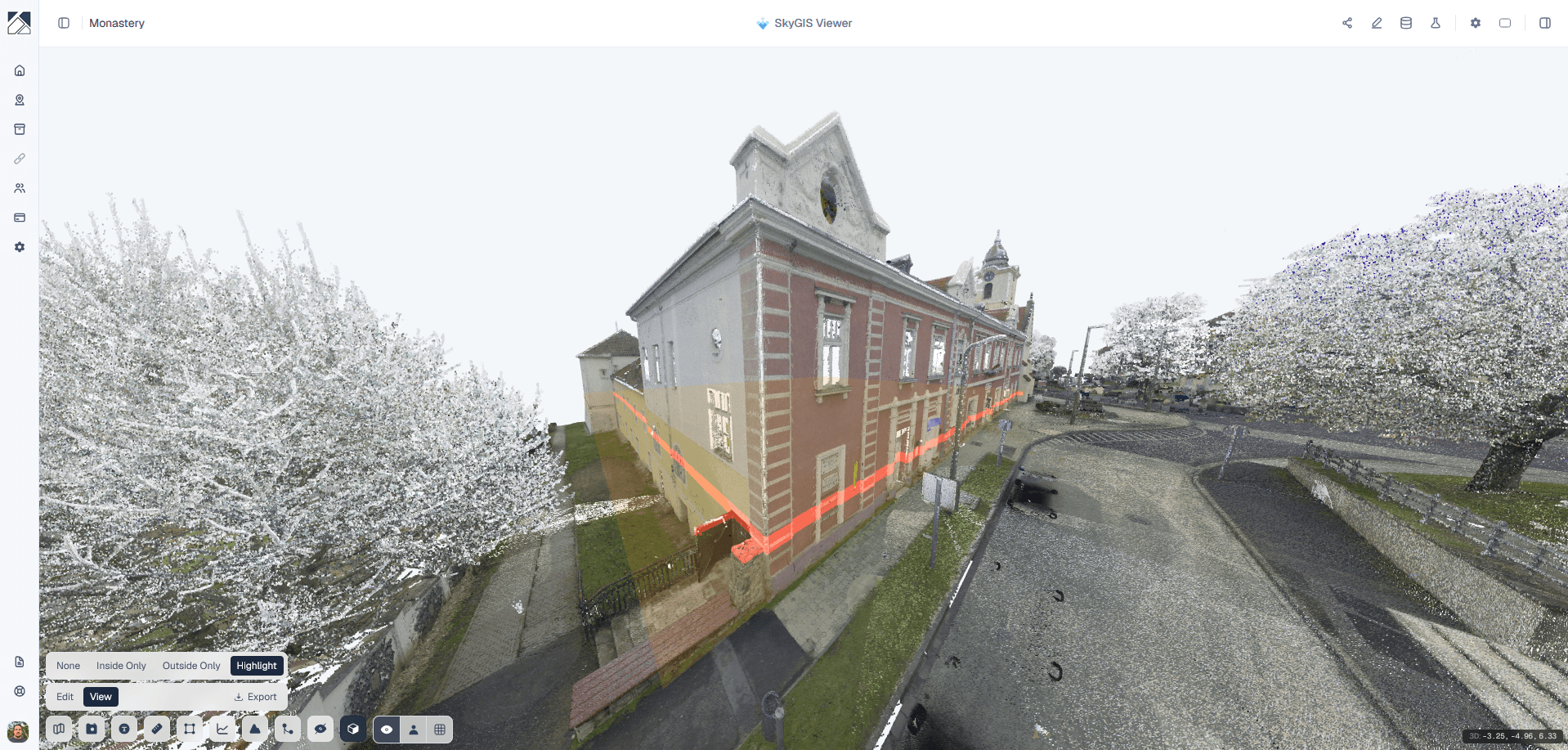
In Viewer, a clip box isolates an area on screen for viewing and measuring. Pro adds clip box export, which writes the points inside the box to a new file. The full survey stays in the project for everyone else.
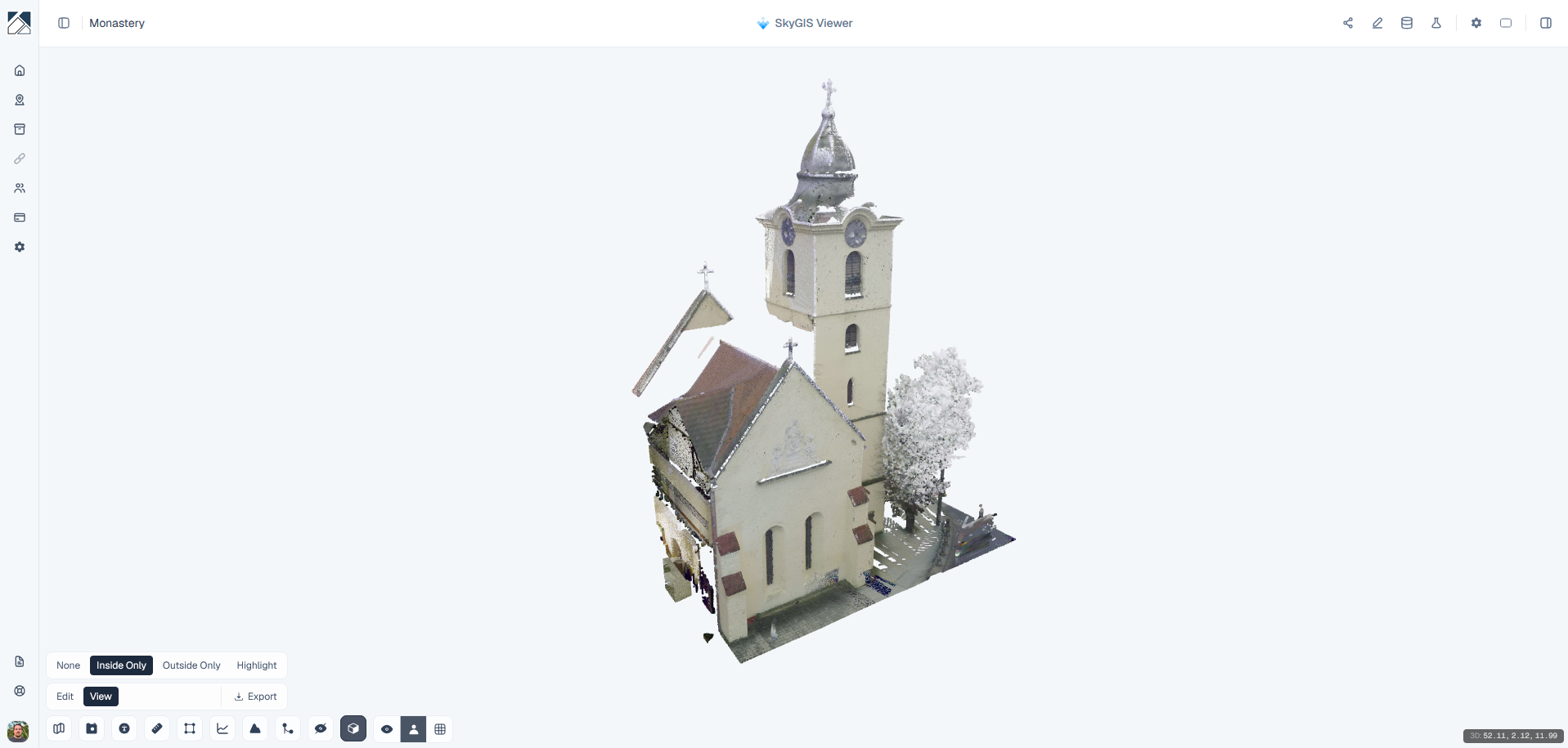
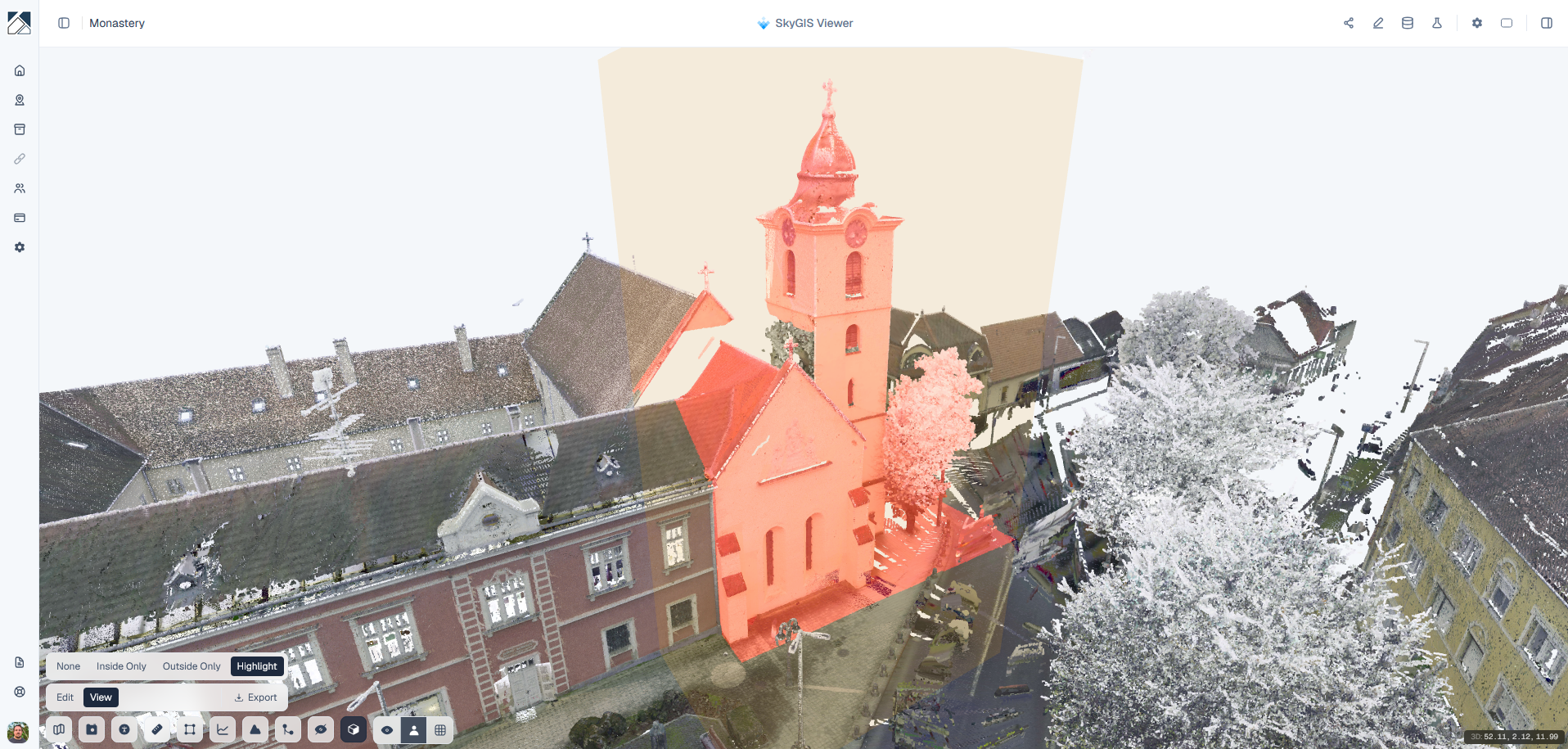 Highlighted selectionInside only
LAZ or E57?
LAZ
Compressed LAS. Small files, read by most point cloud, GIS and civil software. The usual choice for survey and engineering work.
E57
The vendor-neutral ASTM format, common in building and scan-to-BIM work. The extract holds the points; don't expect the original scan stations, images or every source attribute to come through.
How to crop and export a point cloud
Frame the area
Place the clip box, then move, resize and rotate it until it holds exactly what you want. Check it from above and from the side, especially where it meets floors and walls.
Choose the source cloud
Open the export and pick the point cloud layer to cut from. Where several scans overlap, only the one you choose goes into the file.
Pick LAZ or E57 and name it
Use a name the recipient will recognise, then start the job.
Download within 24 hours
When processing finishes, the file is ready to download for 24 hours. Open it in the receiving software before you pass it on.
What goes into the exported file
Included
- Points inside the oriented box
- From the one point cloud layer you chose
- Written as LAZ or E57
Not included
- Other point clouds visible in the scene
- IFC models, CAD drawings and other vector layers
- The original E57 scan structure or every source attribute
Questions
Why send part of a scan instead of the whole thing?
Most recipients only need one room, floor or stretch of road. A cropped extract is quicker to transfer and to open in their own software, and it doesn't hand over more of the site than they need.
Is clip box export included in SkyGIS Viewer?
No. Viewer includes the clip box for viewing and measuring inside an area. Exporting the clipped points to a file is part of SkyGIS Pro.
Can I export several point clouds into one file?
No. Each export takes one source cloud, so export overlapping scans separately.
How long is the cropped file available?
24 hours. Download it and check it in the receiving software within that time.
Cut an extract from one of your scans
Bring a scan to a 30-minute walkthrough and we'll export a room or section as LAZ or E57 for you to open in your own software.