LandXML & Civil Design Viewer
SkyGIS reads native LandXML: TIN surfaces, alignments, profiles and the civil objects in the file. Colour the surface by elevation or slope, lay it over the survey and see where the design sits on the ground before anyone starts on quantities.
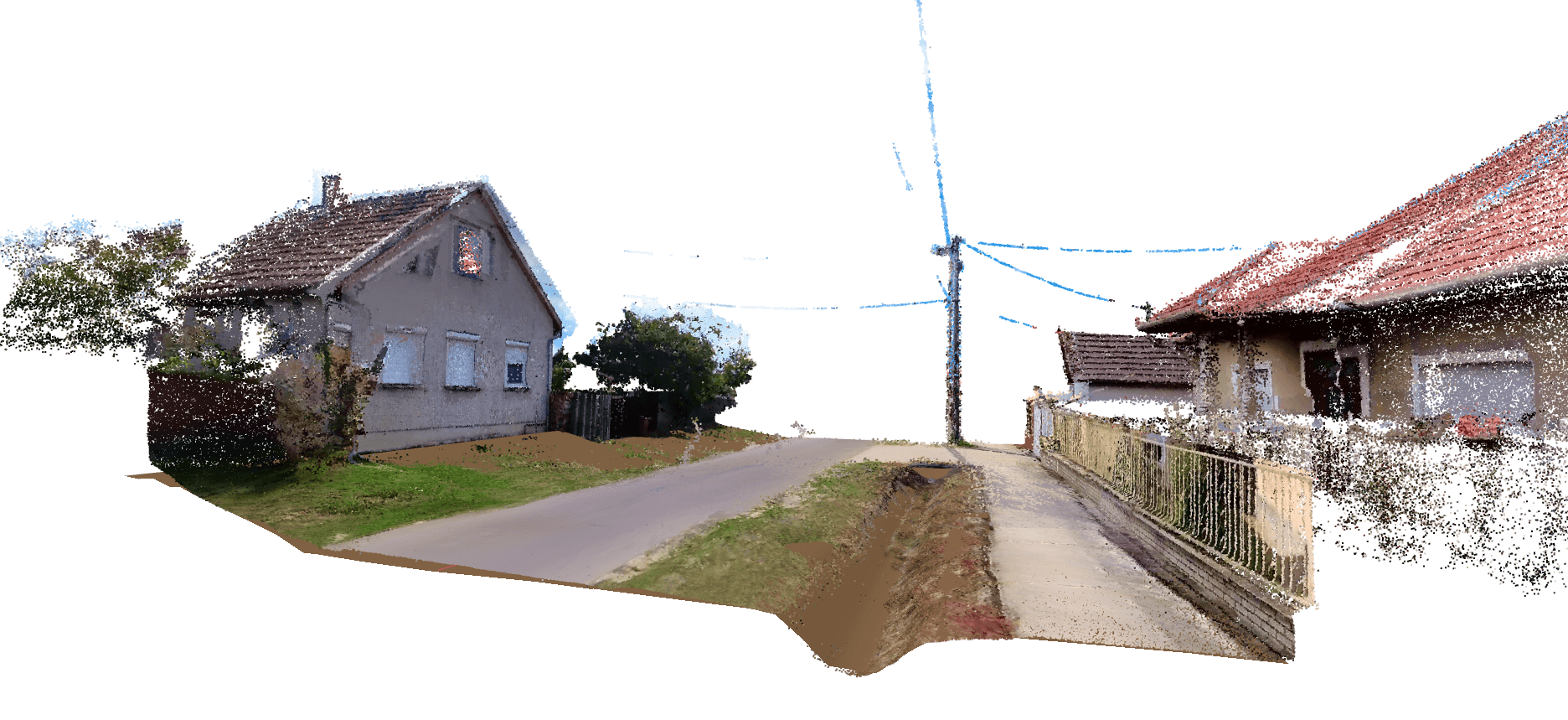
What SkyGIS reads from a LandXML file
One LandXML file can hold several kinds of design data. Each comes in as something you can switch on, colour and click.
TIN surfaces
Design and existing ground surfaces, coloured by elevation or slope. Turn them on one at a time to be sure which surface you're looking at.
Alignments and profiles
Alignment geometry and its properties, with the profiles stored in the file.
Civil objects
Feature categories, surface, alignment and network metadata, and any quantity summaries the design software wrote into the file.
2D map version
Generate a 2D representation of the model so the design also shows on the project map, not only in 3D.
Checking a design surface against the survey
Put the LandXML in the same project as the point cloud, the orthophoto and any CAD from site. With the design surface coloured by elevation and the scan in RGB, you can see quickly whether the formation sits where you expected, or whether you've loaded last month's revision.
Before anyone runs a cut and fill, agree which named surface is the design and which is existing ground. That choice drives every number that follows, and it's easiest to settle by looking at both in 3D.
Clients and contractors can test their own designs against a shared survey too. On a share link that allows uploads, they drag a LandXML of up to 10 MiB over the scan and it loads as a temporary layer for that session.
LandXML in Viewer and in Pro
Viewing the design is part of SkyGIS Viewer. Measuring the survey against it along the alignment is SkyGIS Pro.
SkyGIS Viewer
- TIN surfaces with elevation and slope colouring
- Alignment and profile geometry with properties
- Civil object metadata and file quantity summaries
- 2D map representation of the model
- Overlay on point clouds, orthophotos, IFC and CAD
SkyGIS Pro adds
- Alignment Walk: go to a chainage, query elevations and clip the scan and design at that station
- Surface comparison with cut and fill: LandXML to LandXML, LandXML to point cloud, point cloud to point cloud
- Station volumes and cross-sections along the alignment, with CSV export
- PDF reports and DXF export of cross-section profiles
- IFC design surfaces extracted to LandXML
Questions
Can my team review a civil design without design software?
Yes. LandXML surfaces, alignments and profiles open in a browser over the survey, so project managers, site engineers and clients can see where the design sits on the ground without a civil design licence.
Can contractors check their own design against our survey?
Yes. On a share link that allows uploads, they drag a LandXML of up to 10 MiB over the scan for their session. Nothing is added to your project.
Can I calculate cut and fill from a LandXML surface?
Yes, with SkyGIS Pro, which adds cut and fill volumes, station quantities, cross-sections and PDF reports. Viewing the design is part of SkyGIS Viewer.
Does SkyGIS support designs set up in feet?
Not directly. LandXML imports need to be in metres, so export the design in metres before uploading.
Lay your design over the survey
Upload a LandXML surface and a point cloud to a free project and see where the design sits on the ground. Talk to us about Pro when you need the volumes.