Run laser scanner demos in the browser
A spec sheet tells a prospect how fast the scanner captures. It doesn't show what they would do with the result. Build a demo project from a real scan, walk them through it on a laptop or iPad, and leave them a link they can open again without an account.
- Scanners
- Trimble, Leica, Riegl, DJI, FJD, CHCNAV, South and others
- Capture types
- TLS, MLS, ALS, UAV and SLAM
- Prospect needs
- A browser. No account.
One demo project for every scanner you sell
Registration and first processing stay in the manufacturer's software. Once the scan is exported to E57, LAS or LAZ, SkyGIS doesn't care which instrument made it, so a dealer carrying two brands, or a survey firm running terrestrial and mobile systems side by side, can show all of them in one viewer.
The prospect sees what happens after capture in a tool that isn't tied to the scanner on the table. A 200 GB scan streams in about as quickly as a 50 MB one, so the demo runs on an ordinary laptop or tablet at a stand or in their office.
Building a scanner demo around the prospect's questions
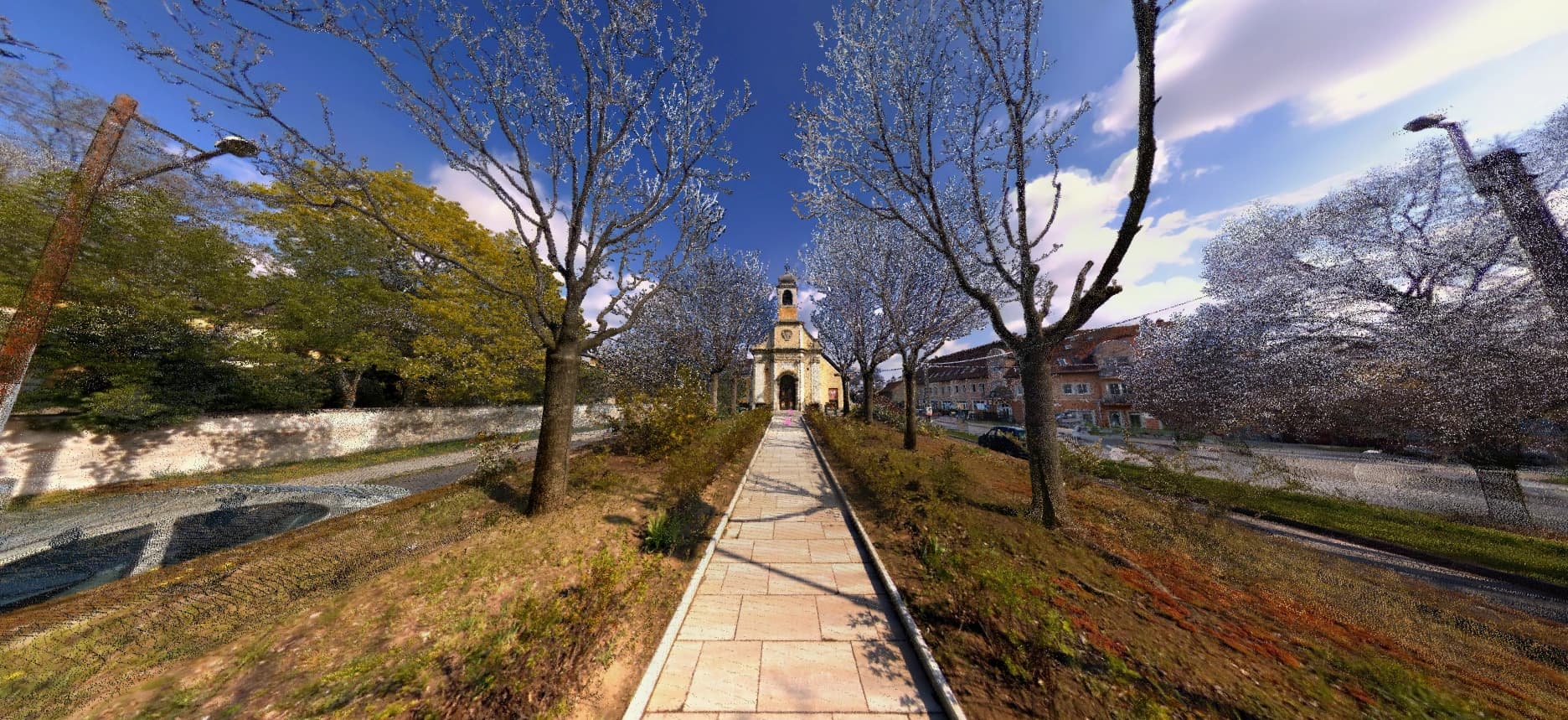
Pick a dataset close to the prospect's own work and two or three questions it can answer. One real question answered beats a tour of every button.
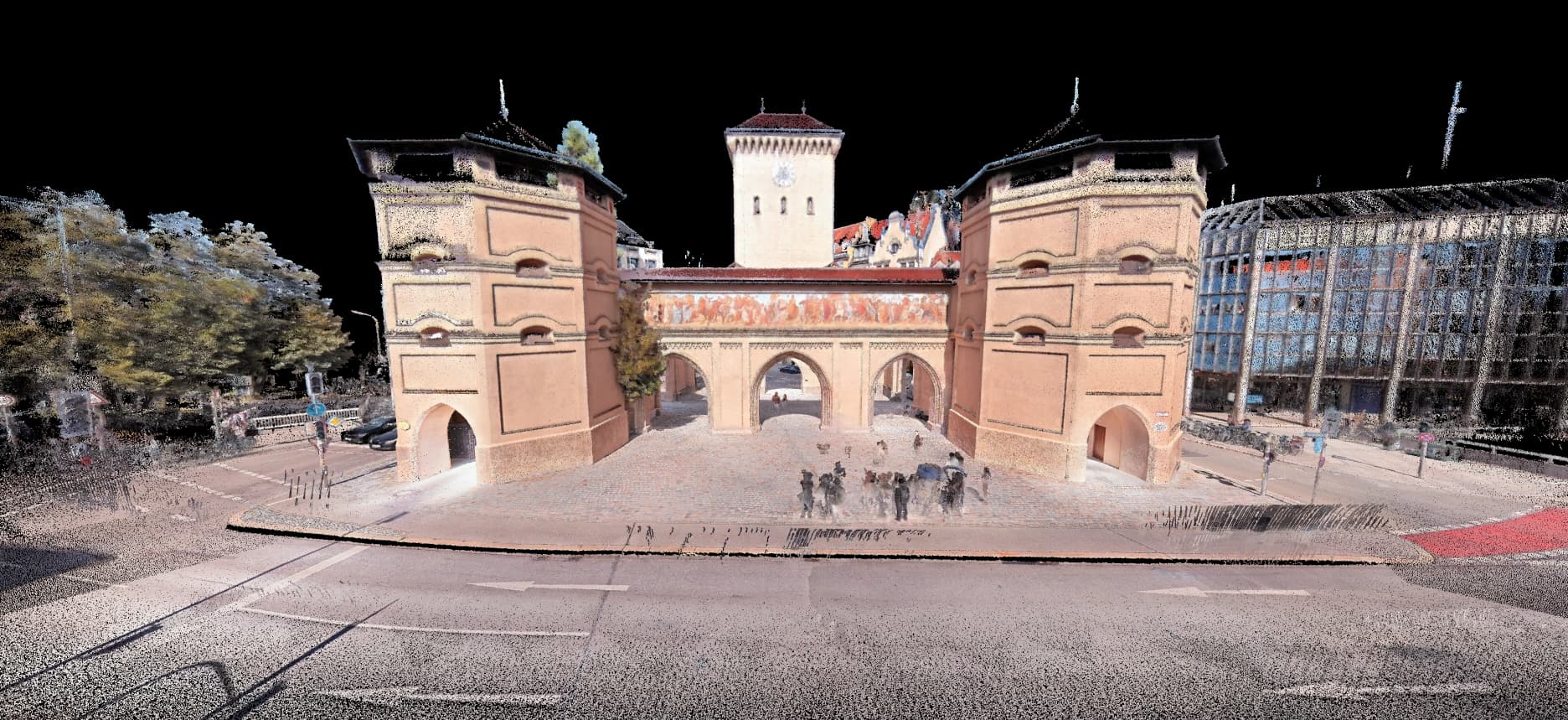
Open on something they recognise
A building front, a junction, a plant room. Save it as a view so you can get back to it in one click when the demo wanders.
Show what the scanner recorded
Switch from RGB to intensity, elevation and classification. Road markings stand out in intensity; floor falls show up in elevation.
Answer a question with a measurement
Clip into a room and measure a ceiling height or a door opening. The result shows horizontal and vertical components as well as the 3D distance.
Add the context they work with
Open a 360° panorama at the same spot, or load an IFC model or DWG over the scan to show how design and capture sit together.
Leave them the link
Create a share link with an expiry date. If you allow uploads on the link, the prospect can drop their own IFC, DWG or LandXML (up to 10 MiB per file) over your scan, in their session only.
What a demo project shows, and what it can't prove
It shows
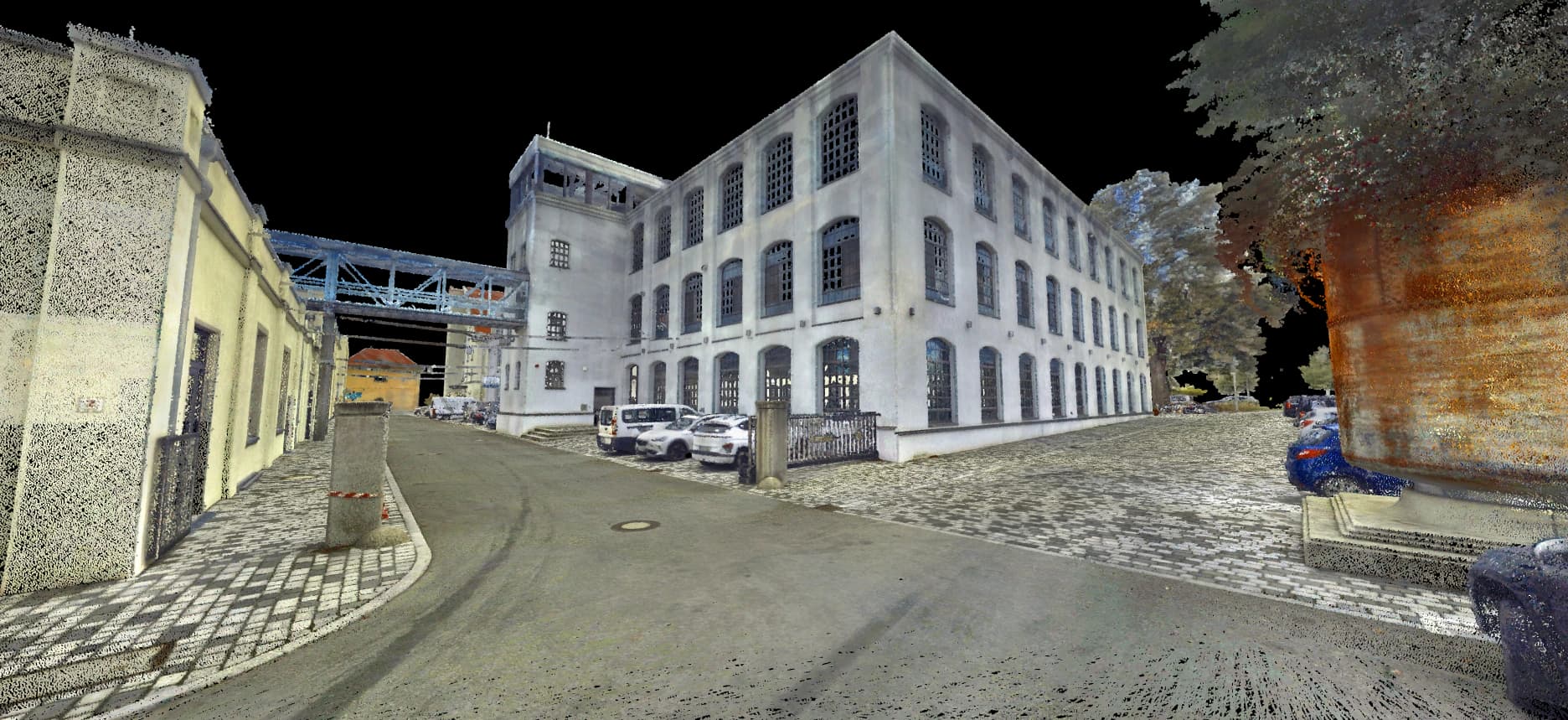
- What the deliverable looks like to someone without scanning software
- Colour modes, clipping and measurement on real data
- Scans from different manufacturers in the same viewer
- What a client receives: a link instead of a hard drive
It can't prove
- Instrument accuracy. That needs a reference and a controlled test.
- Performance on every site. A good sample is still one sample.
- Viewing speed on every device. Test on the prospect's own hardware when you can.
Questions
How does a demo project help sell a laser scanner?
A spec sheet shows how fast the scanner captures. A demo project shows what the buyer will do with the result: open it in a browser, measure it and share it. The link you leave behind lets them show colleagues after you've gone.
Which scanner brands can I demo in SkyGIS?
Any brand whose data exports to LAS, LAZ, E57 or ASCII, including Trimble, Leica, Riegl, DJI, FJD, CHCNAV and South. A dealer carrying several brands can show them all in the same viewer.
Can the demo carry my company's brand?
Yes. Your logo and colours on the viewer and sign-in page are part of SkyGIS Viewer, so prospects see your brand rather than ours. Serving the demo from your own domain needs Pro.
Can I use a client's scan in a demo?
Only with their permission. Use your own captures or data you have cleared for demonstration.
Build a demo project on the free plan
One user, 5 GB and no credit card. Upload a scan, send yourself the link and open it on the device you'll demo on.