Deliver point cloud surveys clients can open
Most clients can't open an E57. Send the survey as a link instead: the point cloud, drawings and model in one project, with layers named and set up for them, and the original files still delivered as agreed. The client explores it in a browser and never needs an account.
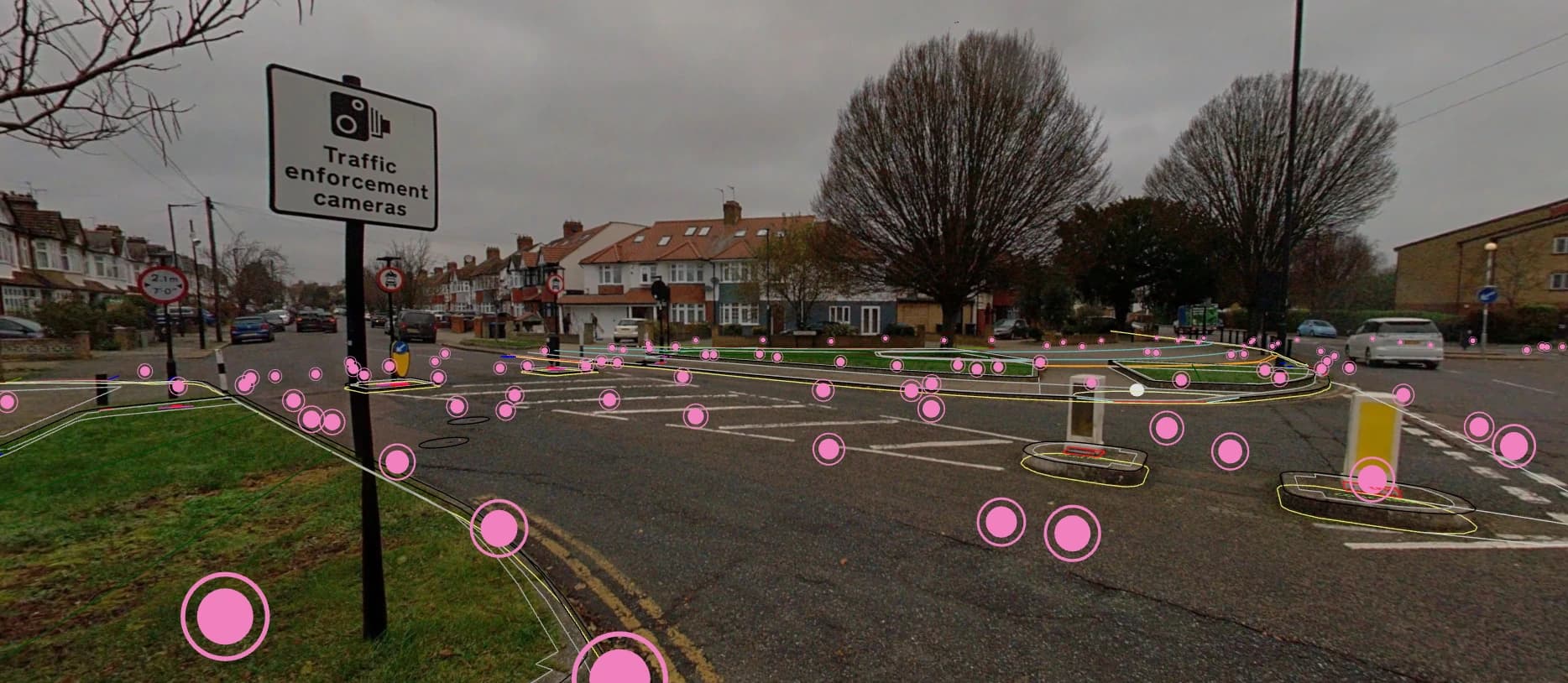
Why a file list isn't a handover
A typical delivery is a folder of LAS or E57 files, a few DWGs and a PDF report. The client's CAD team can use them. The asset manager, the architect and the person who signed the purchase order usually can't, so they ask the surveyor for screenshots, and the same questions come back by email for weeks.
A browser project gives everyone the same survey with the same layer names and views. When a question comes up, you can both look at the same spot.
Preparing a client-ready project
Put the deliverables in one project
Upload the point cloud with the drawings, orthophoto or IFC model that came with the survey. Set the project coordinate system and check that the layers line up at a few recognisable features.
Name things the way the client would
"Ground floor scan" beats "SW_0412_reg_final.e57". Choose sensible colouring and default visibility so the first view isn't cluttered.
Check the places the client will ask about
Plant room, main entrance, roof, the area named in the brief. Clip into interiors and check a couple of dimensions you know. Save views of them for colleagues on the project, and name the spots in your handover note so the client knows where to look.
Create the link and test it
Set an expiry date and a password, then open the link in a private browser window on a laptop or tablet like the client's to see exactly what they will see.
Send it with the formal deliverables
Include the capture date, survey scope, accuracy statement and how to get the source files. The browser project sits alongside the contractual files rather than replacing them.
What the client can do with the link
- Open the survey in Chrome, Edge, Firefox or Safari without an account
- Move around the survey in 3D or on the map
- Measure distances, heights and areas
- Turn layers on and off and clip into interiors
- Drag their own IFC, DWG or LandXML over the scan, if you allow uploads on the link
- Come back to it until the link expires
Viewer or Pro for client delivery?
Most handovers only need Viewer. Pro is for firms that also want their own domain and extra file deliverables.
Viewer
- Password-protected links with expiry dates
- Your logo and colours on the viewer
- Saved views, measurements and clip boxes
- Link status and visit counts
Pro adds
- Your own domain for the client portal
- ReCap RCP/RCS packages generated during processing
- Clipped LAZ or E57 extracts of the area a client needs
Questions
Why deliver a survey as a link instead of files?
Most of the people paying for a survey can't open an E57. A link lets the project manager, asset manager or architect explore it in a browser on a laptop or iPad, without software or an account, so fewer questions come back to you as requests for screenshots.
Does a share link replace the formal survey deliverables?
No. Send it alongside the source files, the survey report and the accuracy statement you agreed with the client. The link makes the survey easy to use; the contractual deliverables stay as they are.
Can I control who opens the survey and for how long?
Yes. Each link has an expiry date and an optional password, and the sharing panel shows which links are active, when each was last used and how many visits it has had.
Can the handover carry my company's brand?
Yes. SkyGIS Viewer puts your logo and colours on the viewer and sign-in page. Pro adds a client portal on your own domain, ReCap files for the client's design team and cropped extracts of the areas they need.
Send your next survey as a link
Try it on the free plan with one of your own scans. Send the link to yourself first and look at it the way your client will.