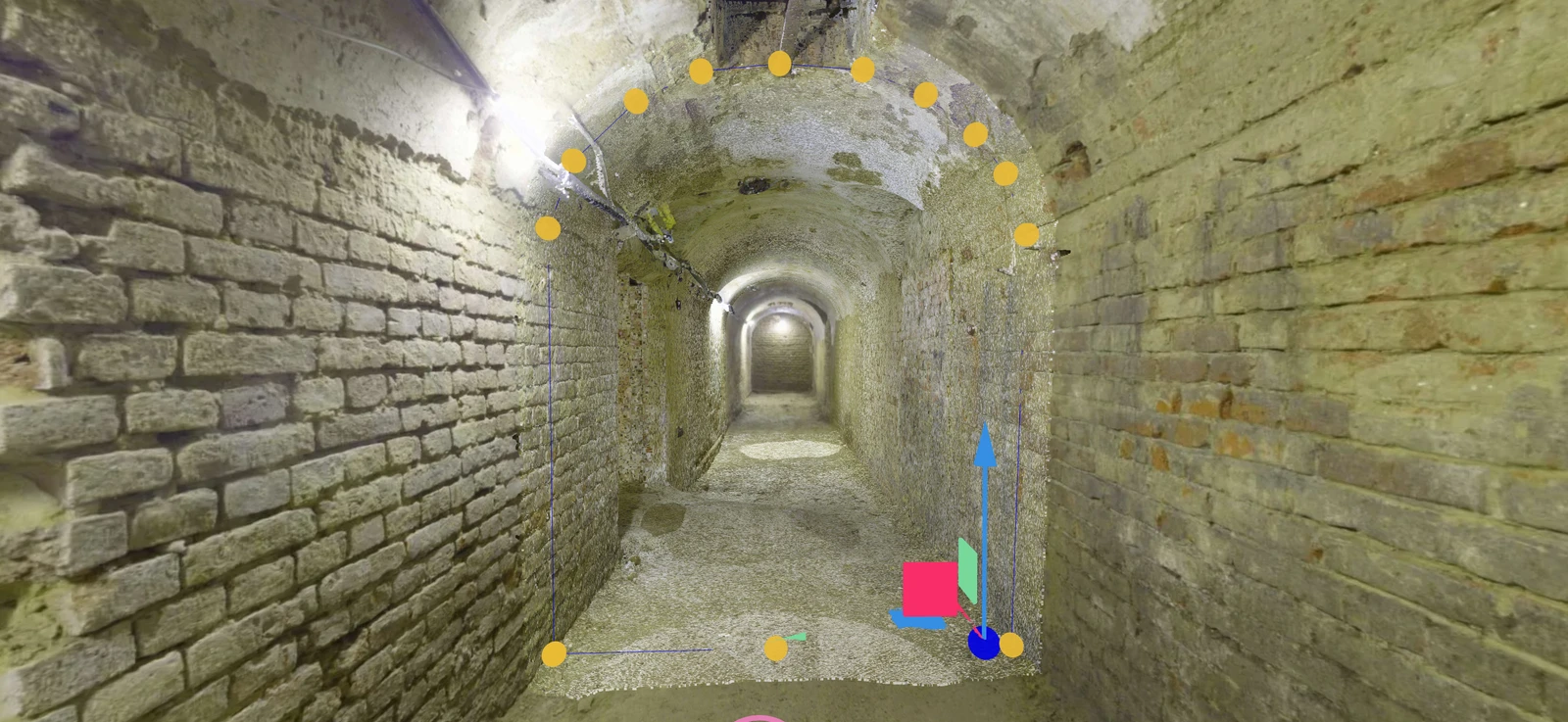
360° Panoramas & Design Overlays
Project CAD vectors, structural and MEP BIM models, and 3D point clouds onto panoramic imagery. Inspect design alignment and fit within photo walkthroughs of indoor and outdoor sites.
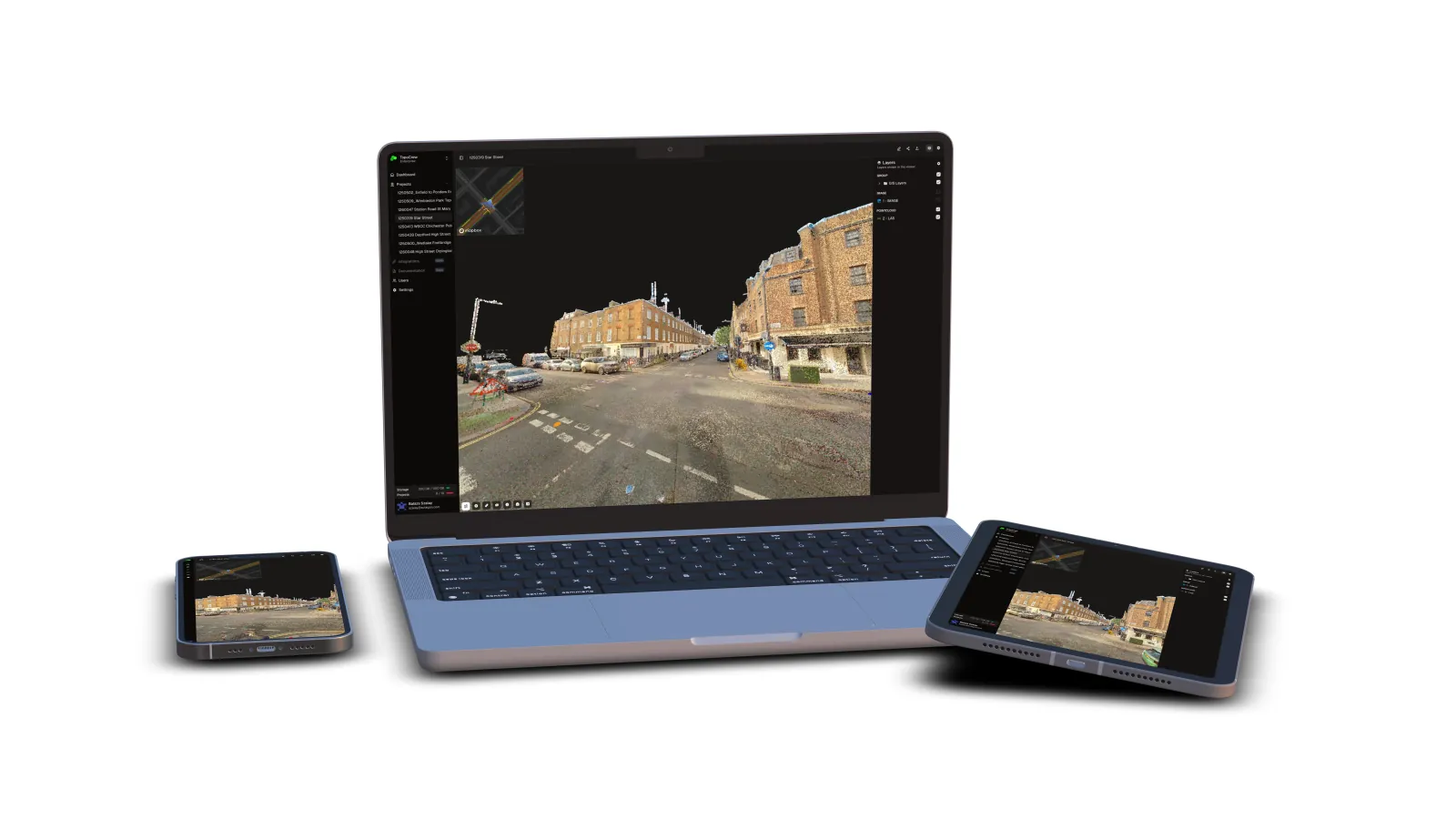
Bring LiDAR point clouds, drone and 360° imagery, CAD and BIM models into one cloud-native platform. Viewer for collaboration; Pro for advanced use cases. Open it in any browser, on any device.
Already have an account? Log in here.
Live Demo
Explore a live project right in your browser. No installation required.
Open Live Demo
Explore the full interactive platform.
Click anywhere to launch
Supported Hardware
Upload data from leading laser scanners, mobile mapping and SLAM systems straight into SkyGIS.








…and many more. Don't see your system? Get in touch
Platform Capabilities
Viewer handles collaboration, measurement, and review. Pro adds analysis, processing, editing, and field-grade workflows on top. Both run in the browser.
View, measure, share. Free to start.
Everything in Viewer, plus analysis, processing, and offline access.
Starting tier
SkyGIS Viewer replaces desktop software with a single browser tab.
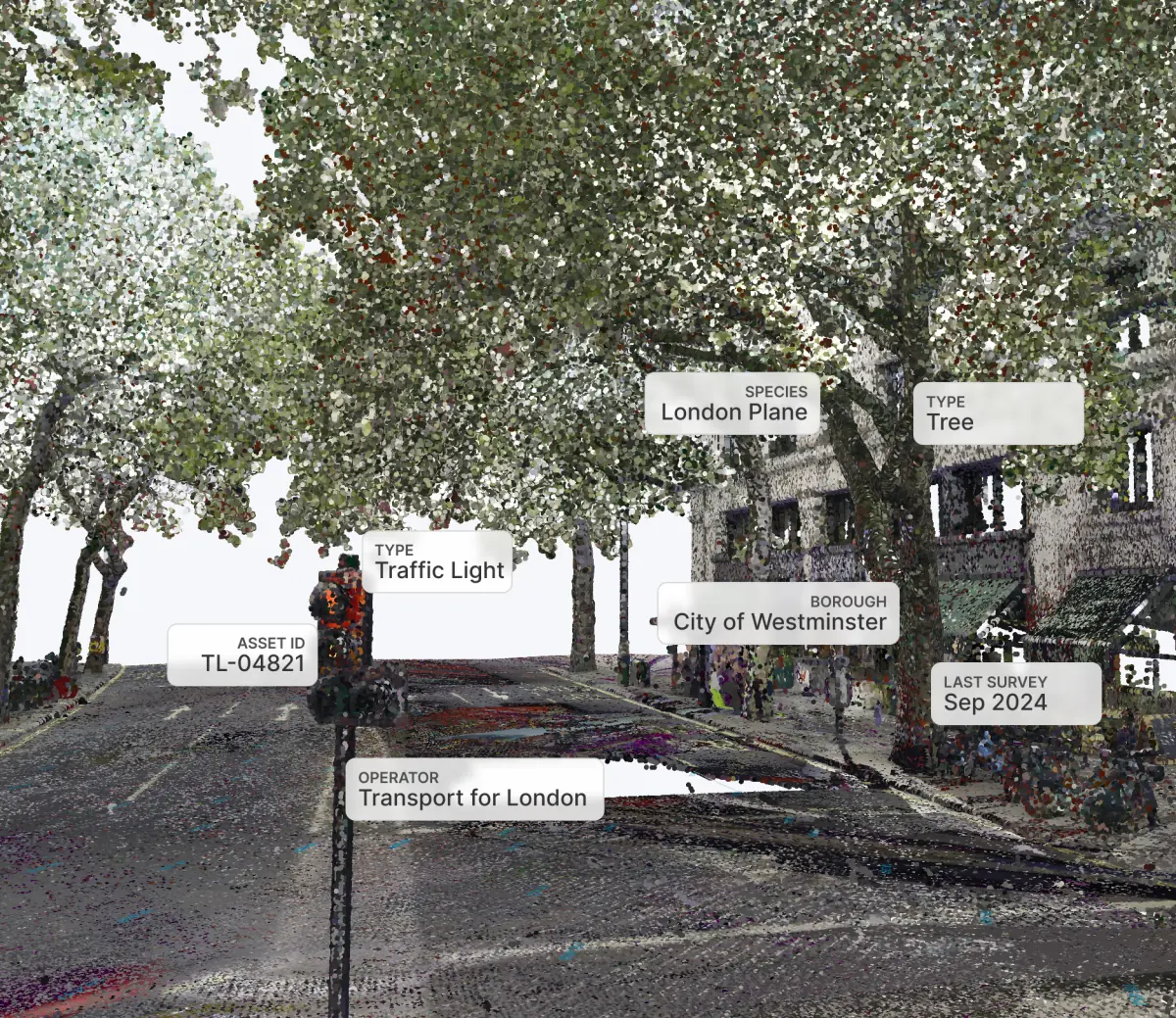
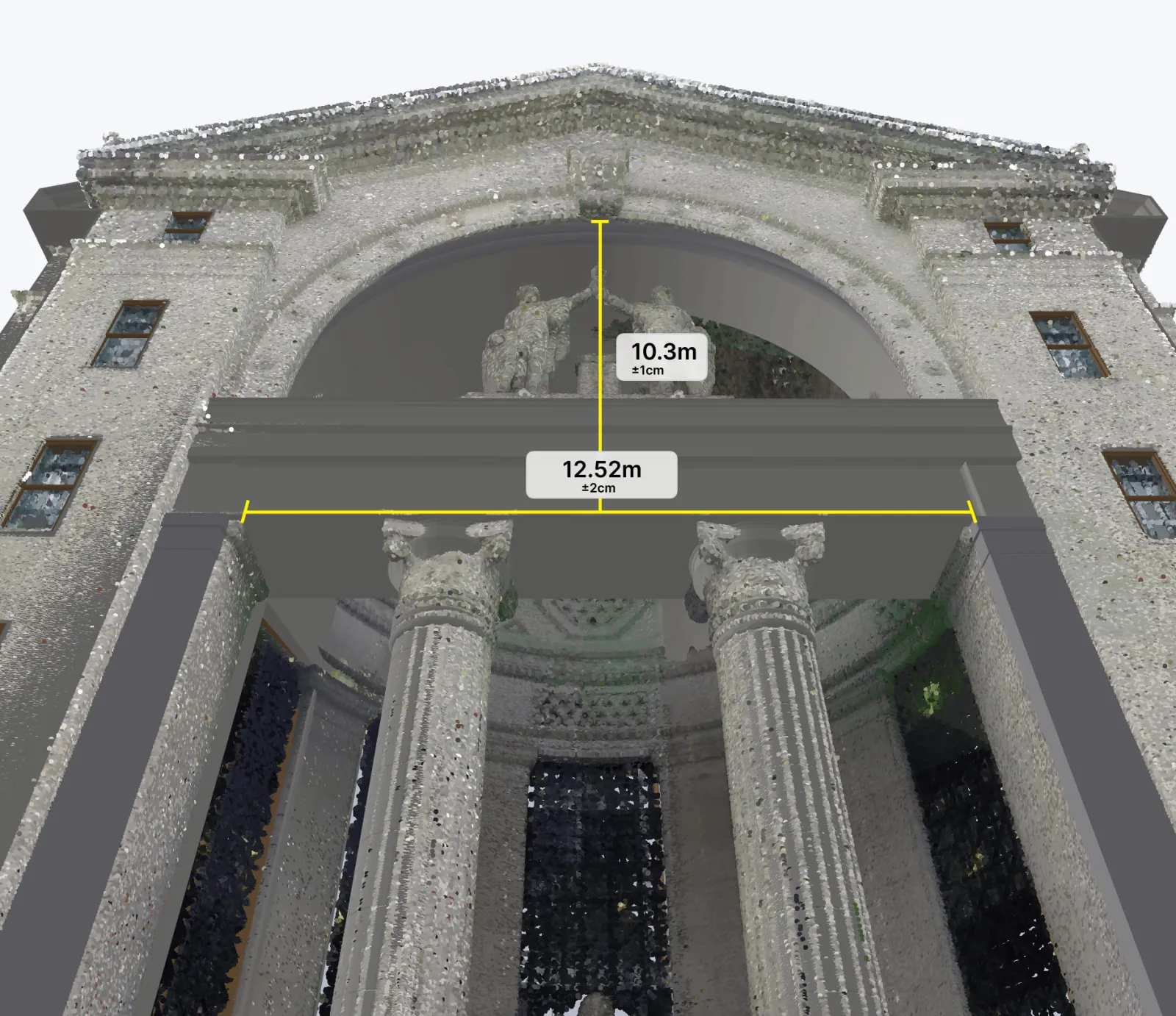
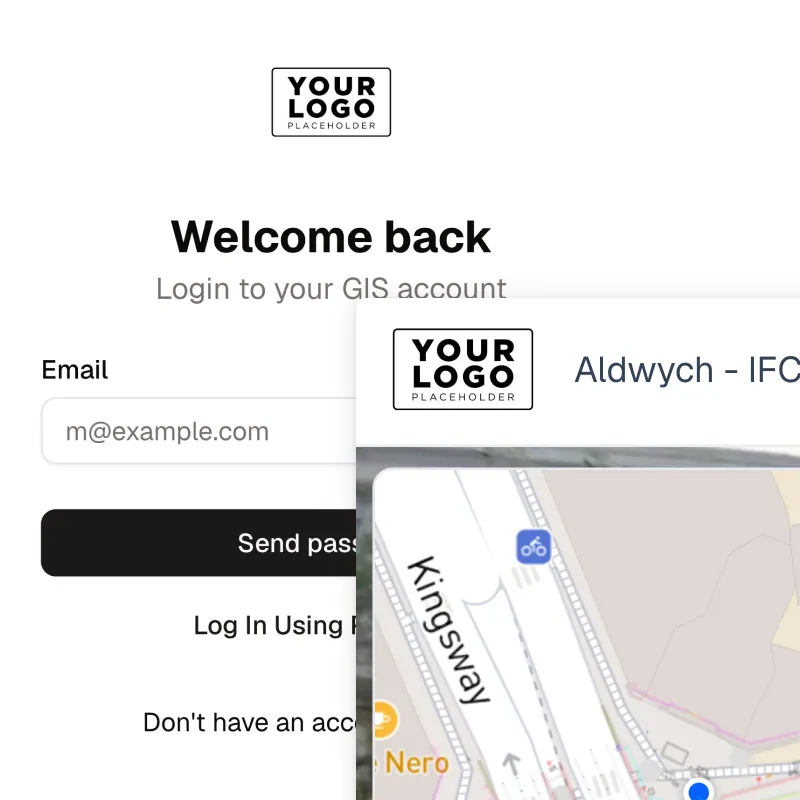
Project CAD vectors, structural and MEP BIM models, and 3D point clouds onto panoramic imagery. Inspect design alignment and fit within photo walkthroughs of indoor and outdoor sites.
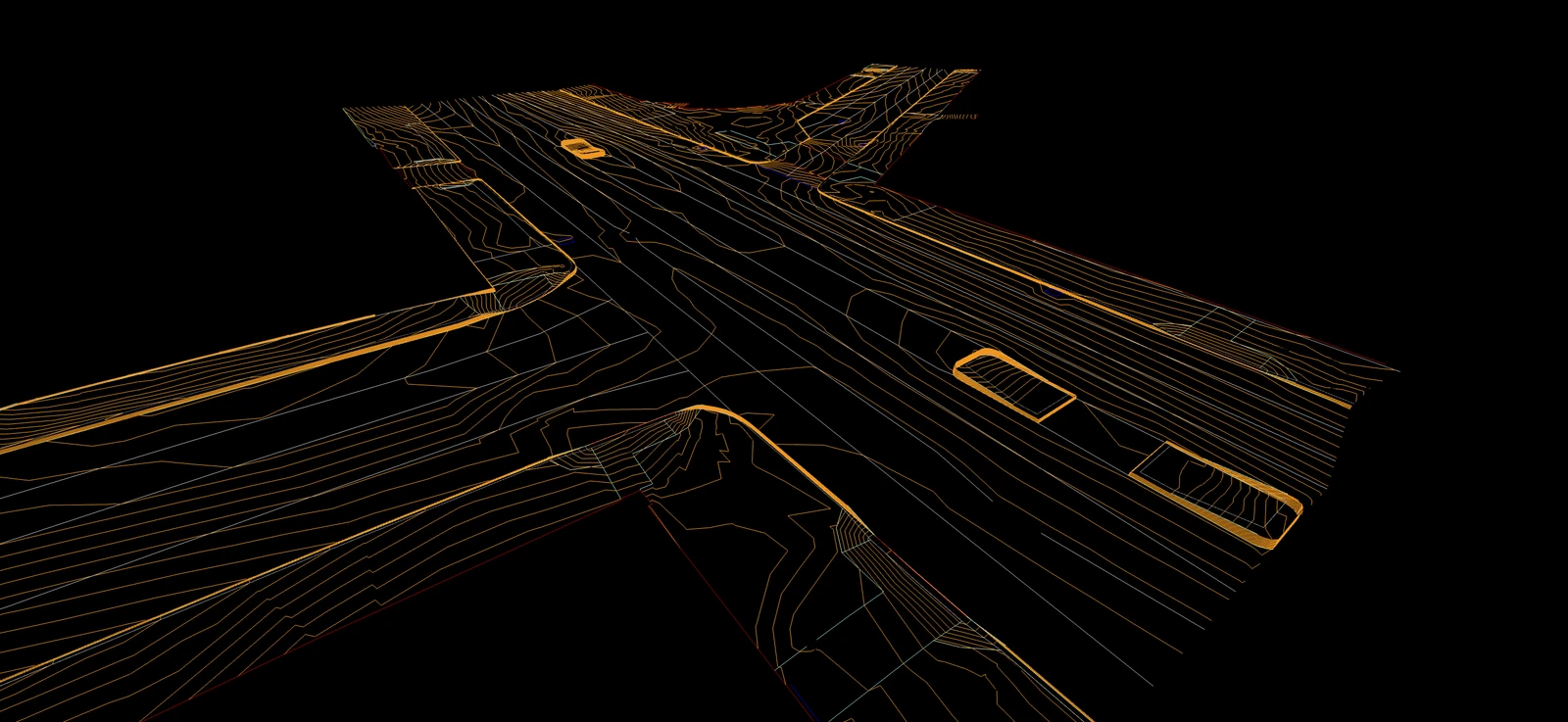
Bring native LandXML alignments, surfaces and profiles together with IFC models and DXF/DWG drawings. Overlay designs on terrestrial, mobile, SLAM and UAV scans and high-resolution orthophotos for roads, railways and pipelines.
Connect external WMS/WMTS layers to view underground utilities, cadastral maps and environmental constraints alongside your 3D survey and imagery in one browser-based hub.
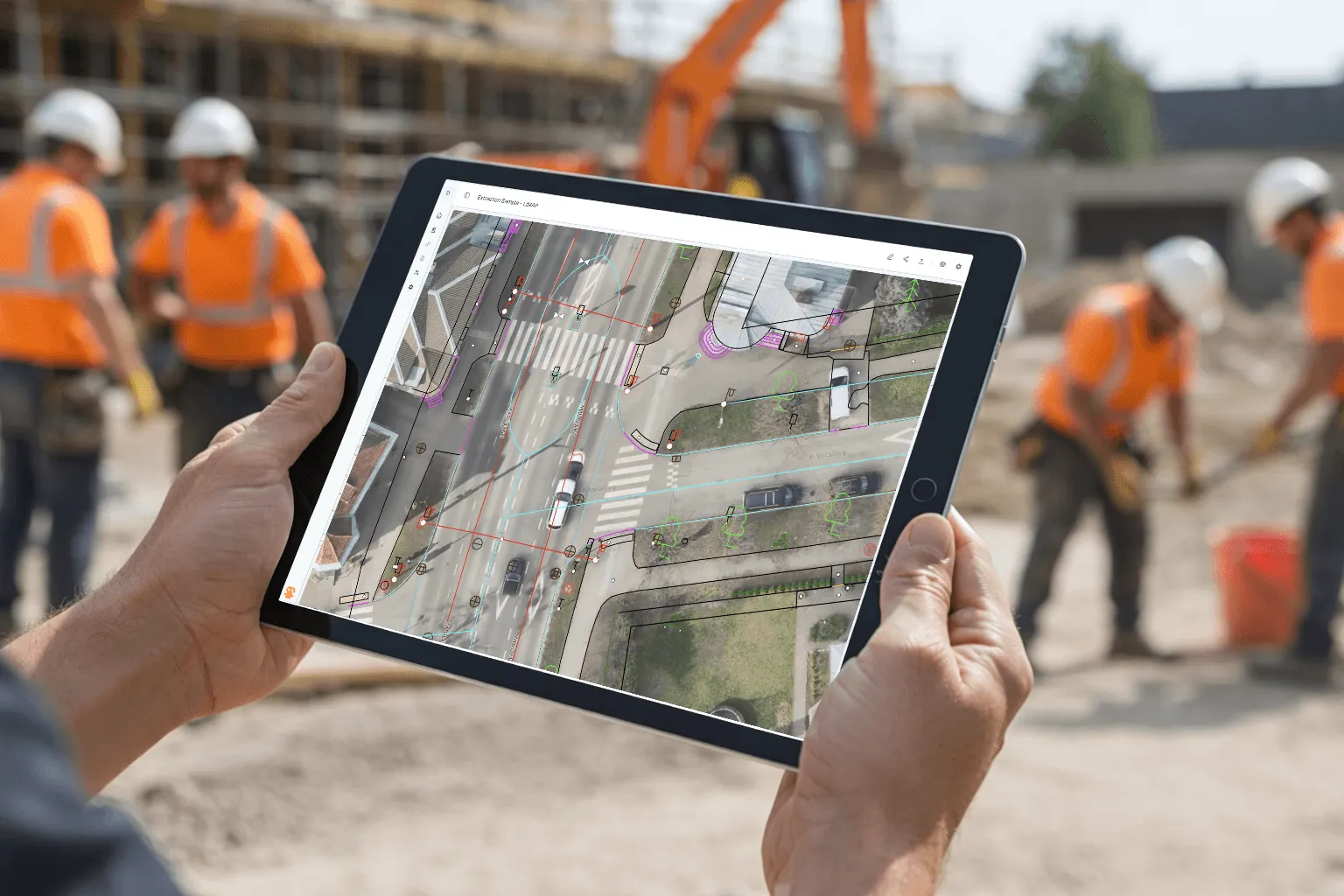
Inspect point clouds, browse scan imagery, and check vectors and designs in the standard workflow for land surveyors and GIS professionals. Everything runs in the browser with zero installs.
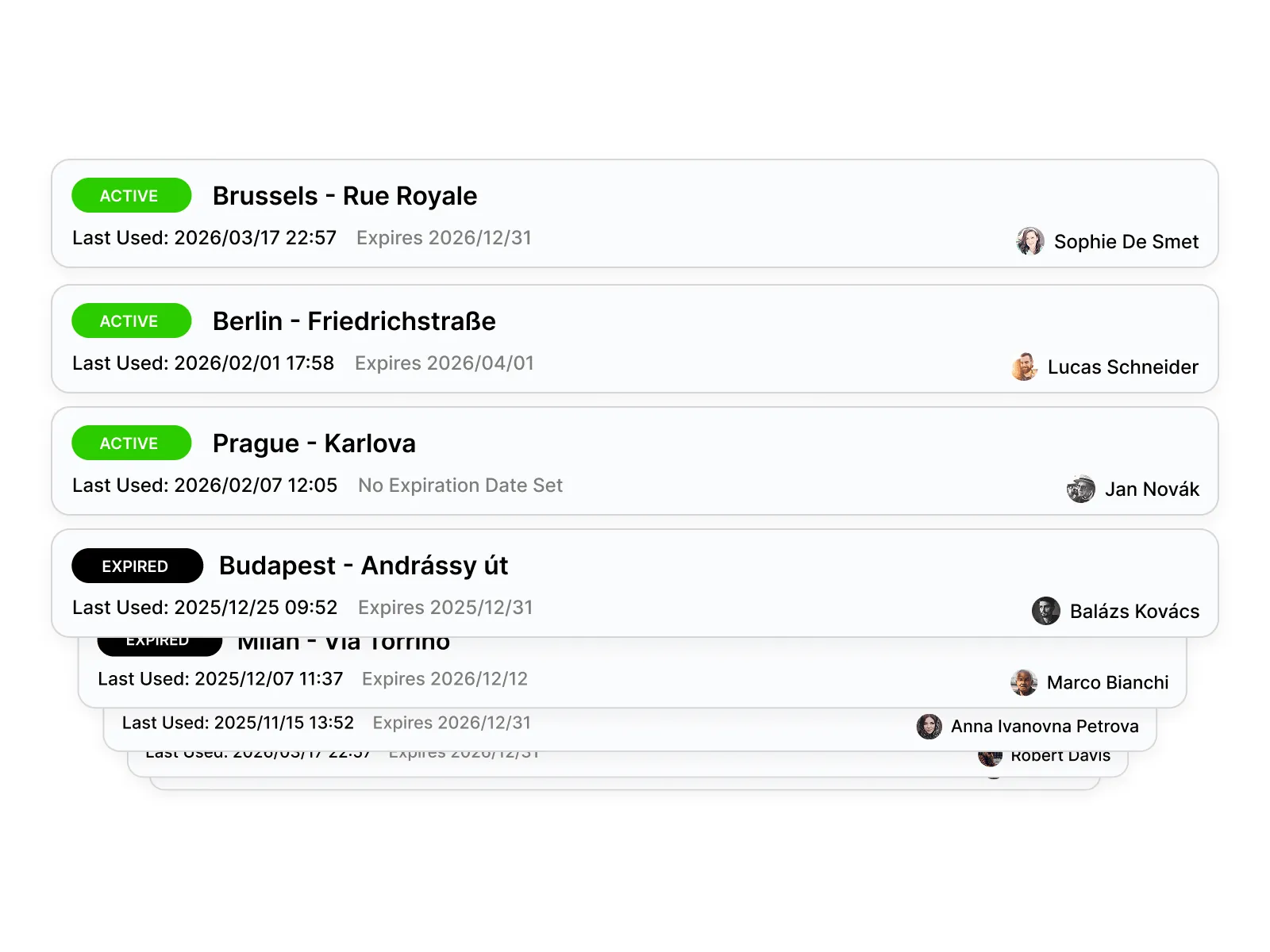
Share projects with clients, reviewers, and stakeholders through a simple link. No installs, no accounts. They open it and see the data immediately.
Upload data from various scanners and run live demos in the browser. Fast, visual, and easy to share.
Store and share scanned heritage sites. Unified access for researchers, architects, and conservation teams.
Standardize how scanned crime scene evidence is reviewed across teams and jurisdictions.
Create raster images from top-down views for a comprehensive overview of your point cloud.
Combine UAV datasets with GIS layers of individual trees for precision agriculture and forestry.
Enable the public to explore citywide geospatial data through a simple and engaging interface.
Our Mission
Built for surveyors, engineers, mapping specialists, and professionals who need to upload, view, and collaborate on massive datasets without local processing or complex setup.
From E57 point clouds to GeoTIFF imagery, everything runs instantly in the browser.
Trust & Compliance
Your data is encrypted at every layer, isolated in private networks, and stored with full redundancy in European data centers.
AES-256 encryption at rest for every file and database record, plus TLS-secured connections in transit.
Shared links are cryptographically signed with built-in expiration and optional password protection. No one accesses your data without authorization.
Your data is replicated across multiple availability zones with automated daily backups and point-in-time recovery.
All data is processed and stored in European data centers. Backend services are fully isolated from the public internet.
Every file upload is versioned automatically. Accidental overwrites or deletions are recoverable.
Intelligent storage tiering keeps your data cost-efficient and instantly accessible, from megabytes to terabytes.
Enterprise tier
SkyGIS Pro adds analysis, processing, editing, and field-grade tooling.
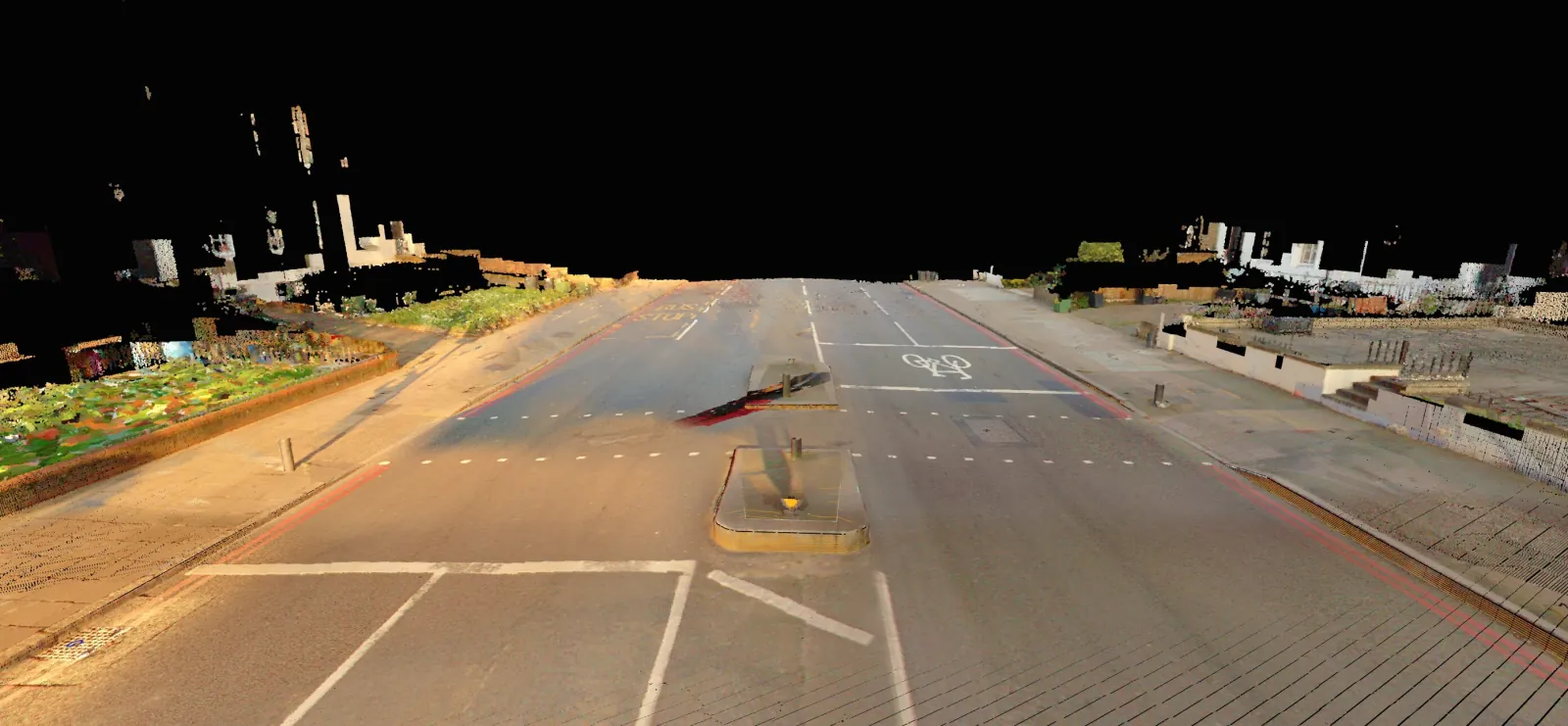
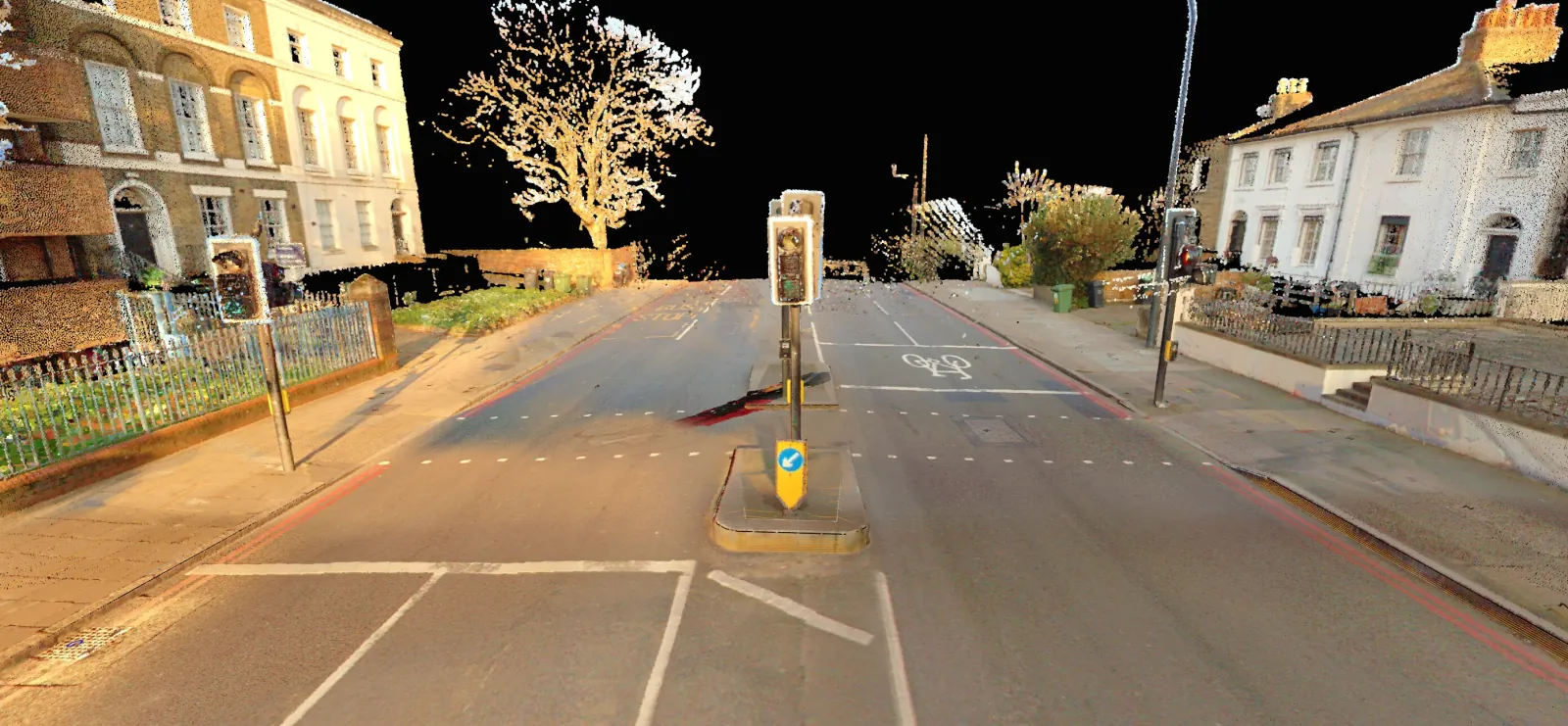 RawProcessed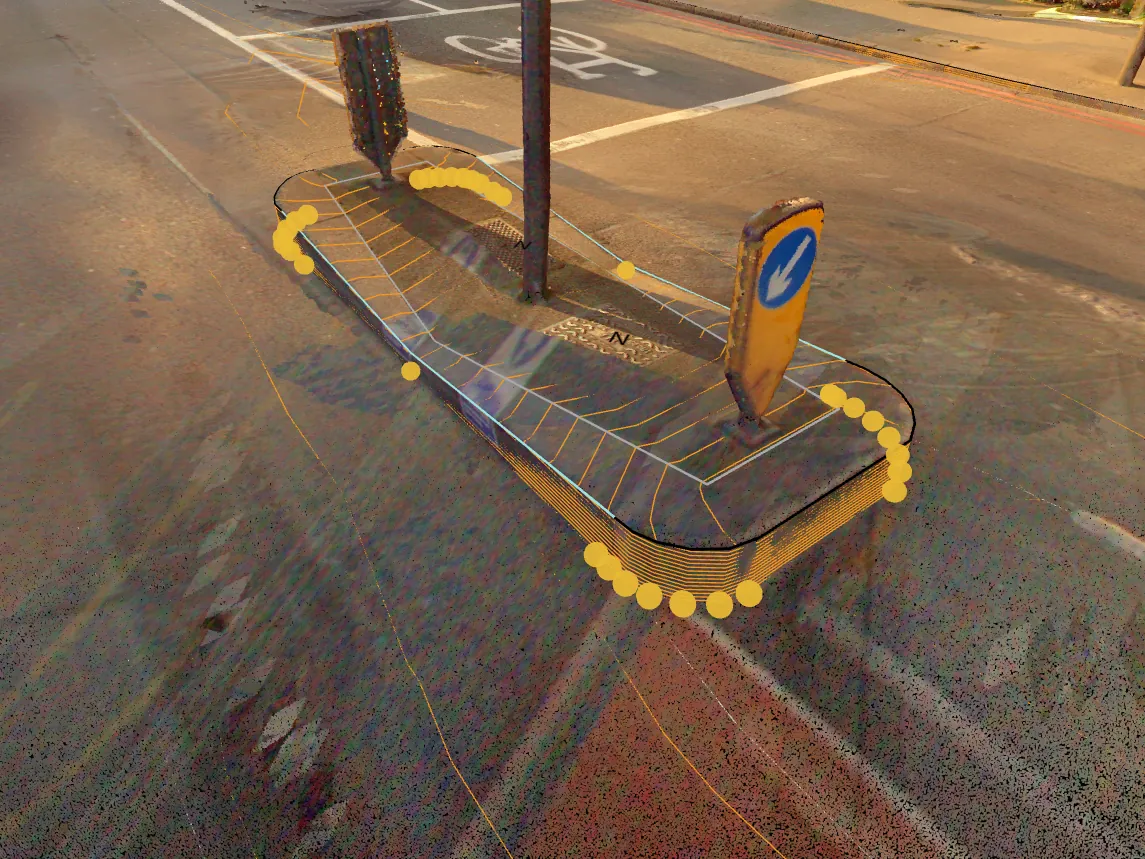
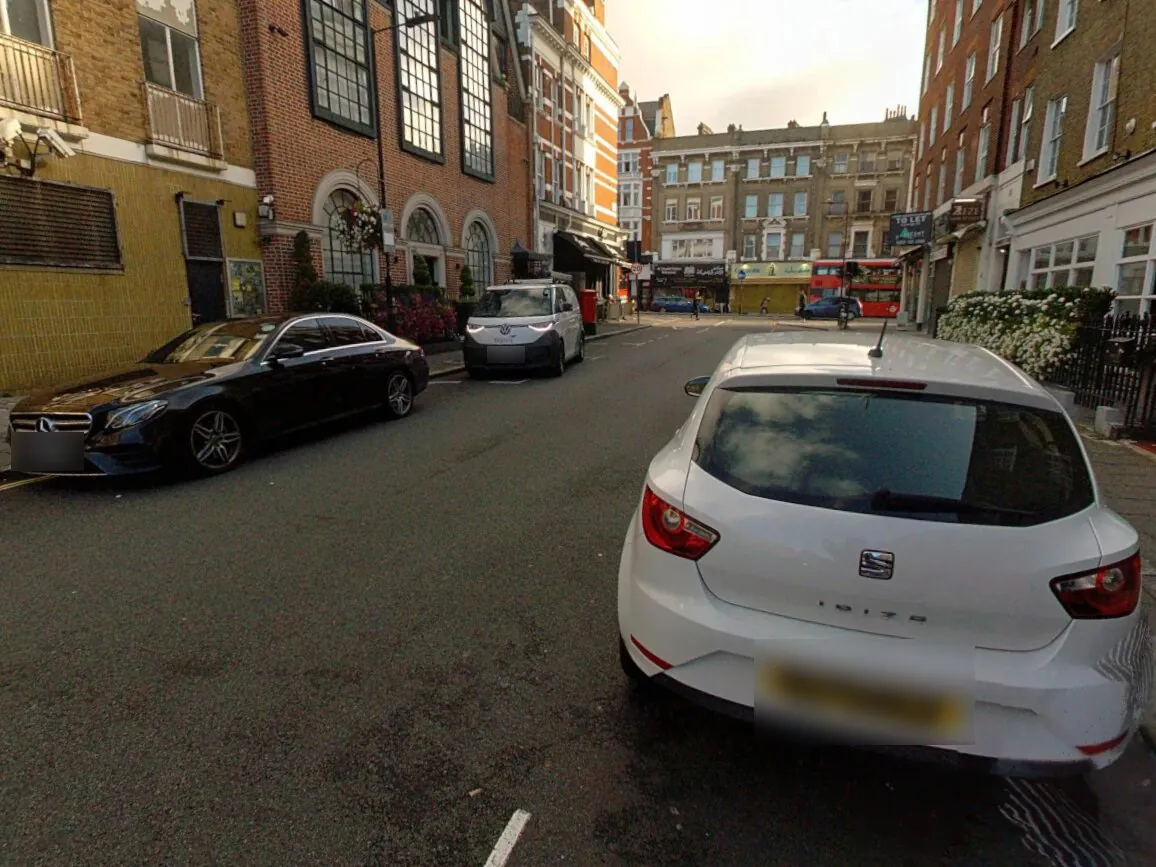
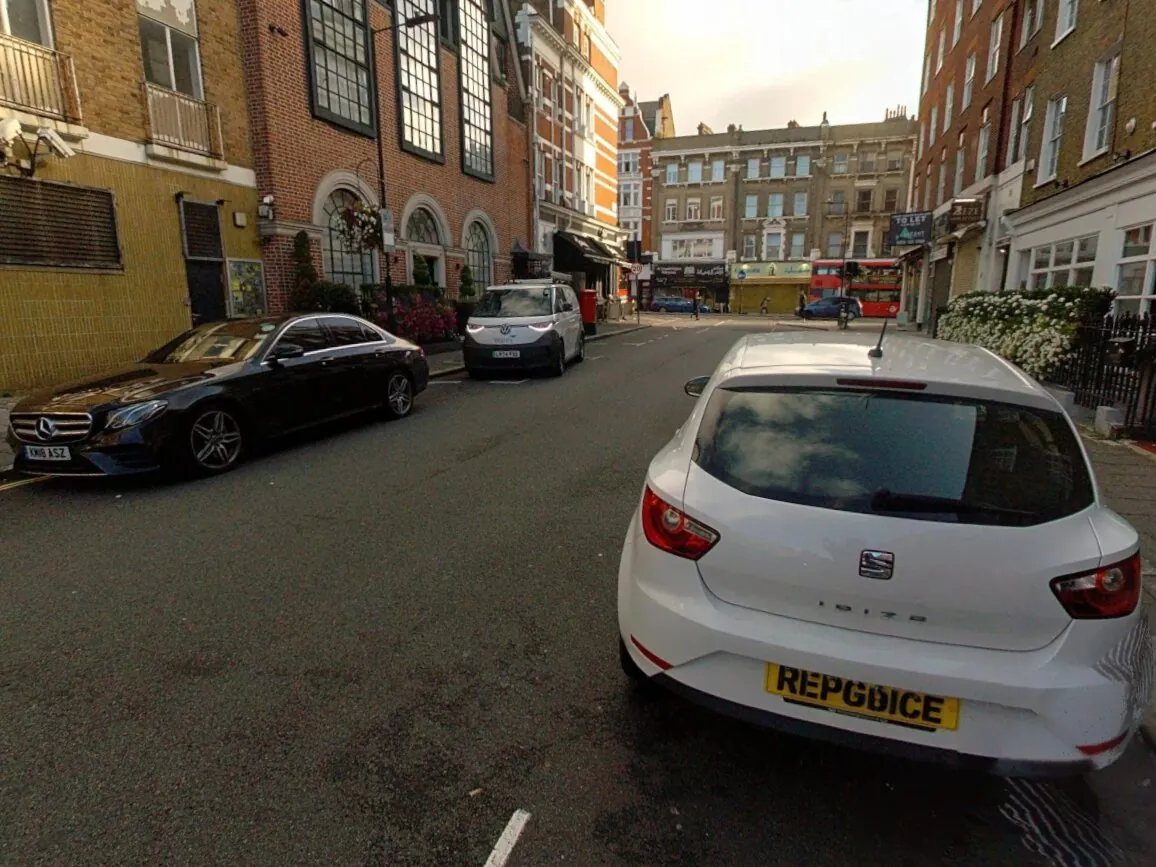 OriginalBlurred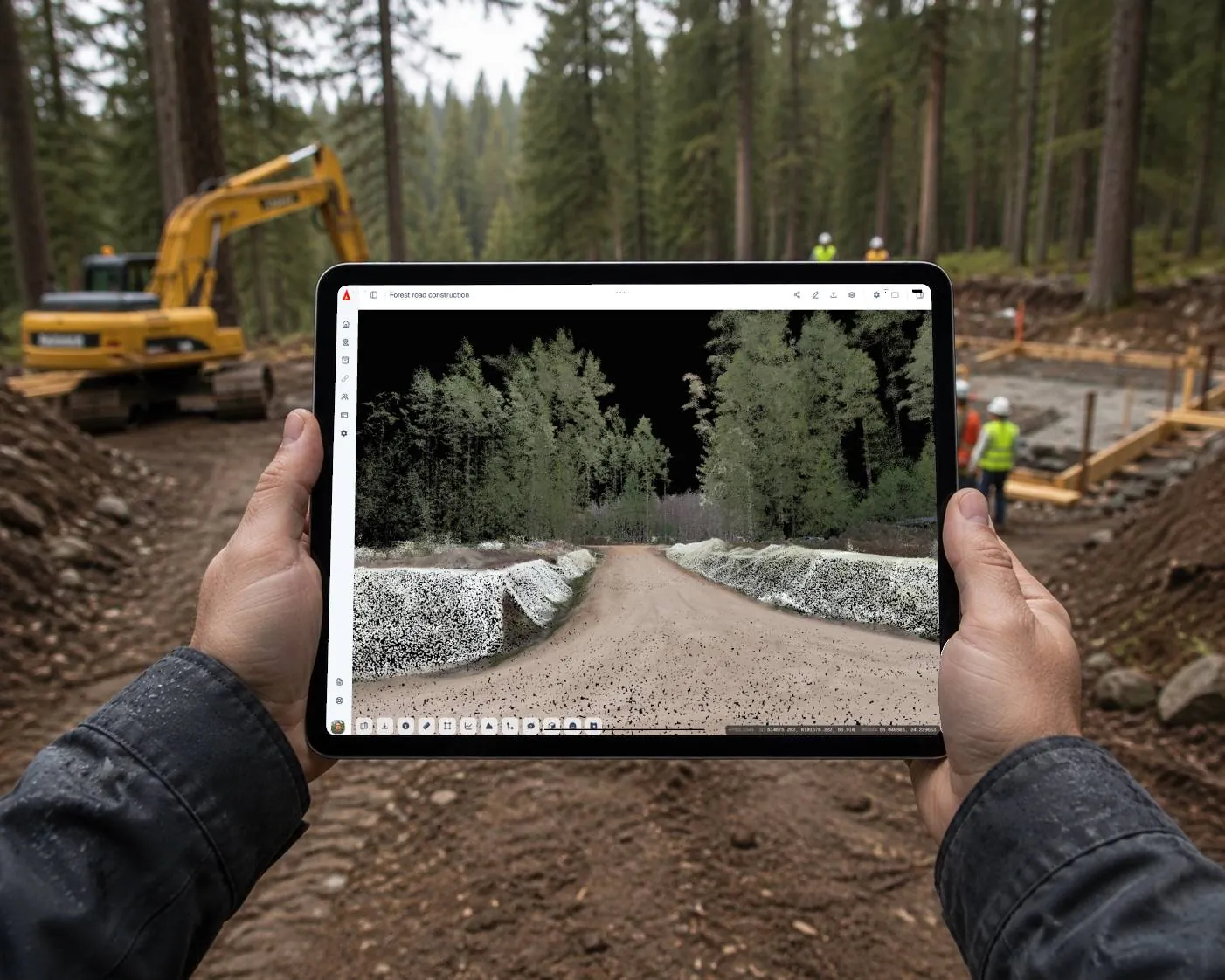
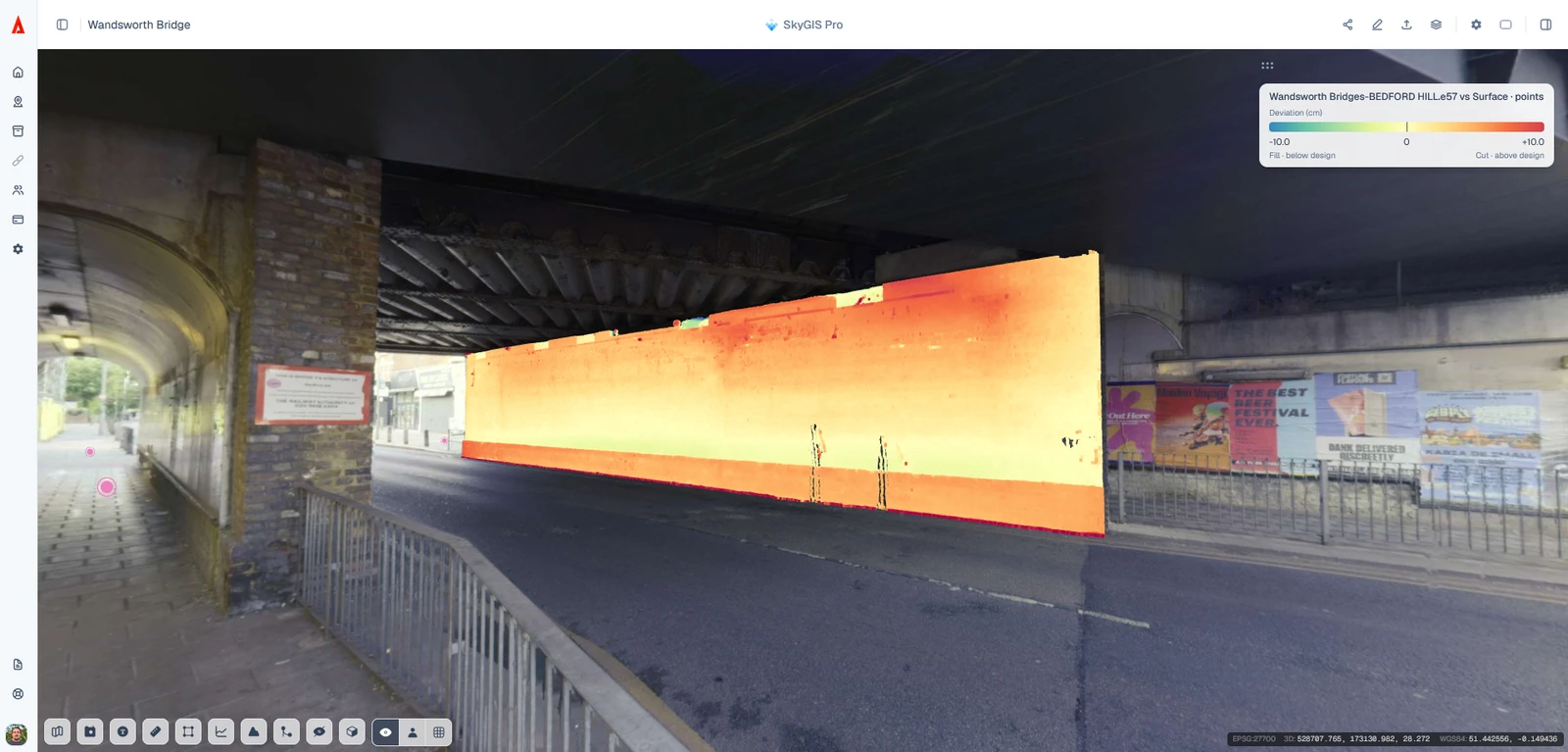
Compare IFC models or 2D planes with scanned point clouds. Color-coded heat maps expose out-of-plumb walls and surface tolerance issues, helping teams verify as-built conditions before rework.
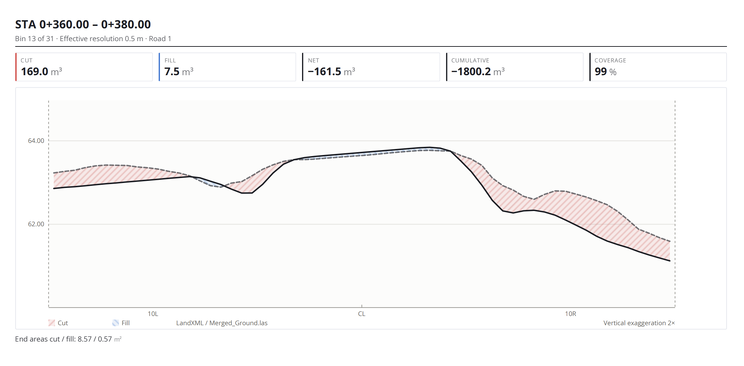
Export detailed inspection reports and PDF summaries of deviation and corridor analysis. Share material take-offs, cut/fill quantities and construction progress metrics with clients, contractors and commercial teams.
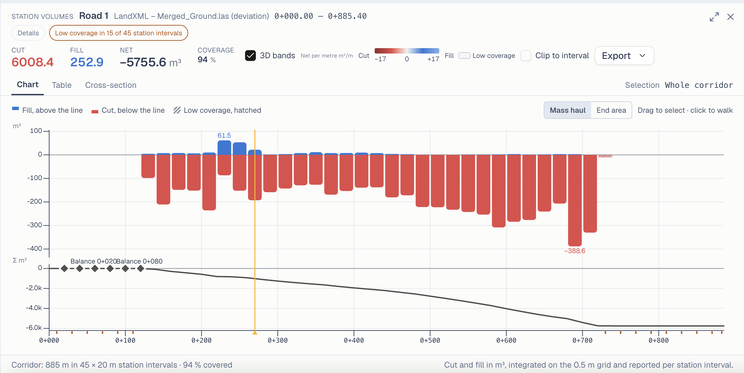
Generate CAD cross-section drawings, convert formats, work with Autodesk RCS point clouds and export clip-box sub-regions. Add Google Street View context, archive projects for long-term storage, and deliver through your own logo and custom domain.
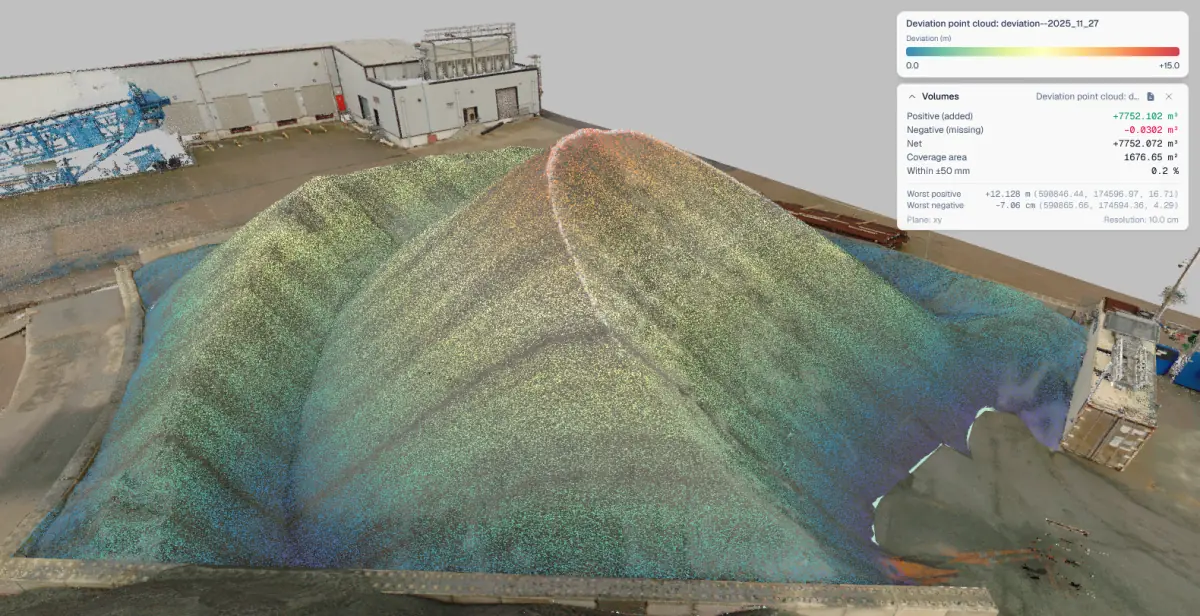
Track stockpile quantities, cut and fill, and terrain changes with survey-grade precision directly from UAV or terrestrial point clouds. Monitor progress against design intent for accurate billing.
Use stockpile calculation and selection tools to measure extracted material per zone across time. Combine UAV point clouds with WMS layers for regulatory reporting.
Overlay IFC models on point cloud scans to check the design against as-built conditions, measure where they conflict, and coordinate between design and construction teams in one shared browser environment.
Load LandXML alignments alongside point cloud surveys to verify earthwork geometry, check clearances, and document deviations from design. Ideal for linear-asset managers.
Archive large point clouds at a fraction of their original cost for multi-year preservation. Restore them for audits or regulatory reviews, allowing a few hours for the restore and sending new share links afterwards. Auto-blur faces and license plates to stay compliant with privacy rules.
Run format conversions, vector editing, and point cloud manipulation in a single platform, reducing external desktop tooling and supporting delivery from raw scan to final client output.
Take projects offline for field inspections in low-connectivity sites. View scans and layers on site with no signal, then make any edits back online.
Overlay utility layers with point cloud site surveys to plan excavations safely, identify conflicts, and document as-built underground infrastructure.
Present data to external stakeholders in a fully branded viewing environment that reinforces professionalism during project reviews and public consultations.
Pricing
Viewer for collaboration and review. Pro for processing, analysis, and field-grade workflows. Choose a listed Viewer plan or ask for custom pricing when you need more users or storage.
View, measure, share. Everything you need to collaborate on spatial data in the browser.
Free
Free
1 user
5 GB
Starter
€50/mo
3 users
100 GB
Team
€200/mo
5 users
500 GB
Business
€300/mo
10 users
1 TB
Need more than 10 users, more than 1 TB, or a different combination? We can prepare a custom Viewer package. Request a custom Viewer quote.
Included
Everything in Viewer, plus analysis, processing, editing, and offline access for advanced use cases.
Pricing
Custom packages
Designed around your team size, storage, and workflow.
Included
| Feature | Viewer | Pro |
|---|---|---|
| Data & Formats | ||
| Scanner types (TLS, MLS, ALS, ULS, SLAM) | ||
| Point cloud formats | LAS, LAZ, E57, ASCII | LAS, LAZ, E57, ASCII, RCS |
| Splat formats | Xgrids, PLY, SOG, SPZ | Xgrids, PLY, SOG, SPZ |
| Vector formats | DXF, DWG, SHP, GeoJSON, KML, KMZ, GPKG | DXF, DWG, SHP, GeoJSON, KML, KMZ, GPKG |
| BIM & model formats | IFC, LandXML | IFC, LandXML |
| Ortho formats | GeoTIFF, JPEG 2000 | GeoTIFF, JPEG 2000 |
| 360° panoramas with CAD/BIM & point cloud overlays | ||
| Native LandXML alignments, surfaces & profiles | ||
| View & Share | ||
| Project management | ||
| Sharable links | ||
| Screenshots | ||
| Clip box | ||
| Clip box export | ||
| Attribute table | ||
| Edit vector features | ||
| Custom branding | ||
| Custom domain | ||
| Offline project availability | ||
| Measure & Analysis | ||
| Distance & area measurement | ||
| Elevation profiles & CAD cross-sections | ||
| Inspection & QA reports (PDF summaries) | ||
| LandXML surface comparison | ||
| Stockpile calculation | ||
| Volume calculation | ||
| Plane / model / point cloud deviation | ||
| Processing | ||
| Ground classification | ||
| Point cloud thinning | ||
| Ortho & raster generation | ||
| Format conversions | ||
| Face & license plate blurring | ||
| Archive function | ||
| Integrations | ||
| WMS/WMTS layers | ||
| Google Street View | ||
Don't see what you need? Submit a feature request.
Evaluating other platforms? Compare SkyGIS with Ivion, Cintoo, PointScene and more.
FAQ
SkyGIS is a cloud GIS platform that brings LiDAR point clouds, drone and 360° imagery, CAD and BIM models and vector data together in your browser. SkyGIS Viewer covers viewing, measuring and sharing. SkyGIS Pro adds analysis, processing, in-browser vectorization, privacy blurring and offline projects.
Yes. SkyGIS Viewer has a Free plan for 1 user with 5 GB of storage. Paid Viewer plans add users and storage, and annual billing gives you two months free. If you need more users or storage than the listed plans include, ask for custom Viewer pricing. Pro is priced as a custom package.
Point clouds in LAS, LAZ, E57 and ASCII (plus RCS on Pro), Gaussian splats from Xgrids and in PLY, SOG and SPZ, vectors in DXF, DWG, SHP, GeoJSON, KML, KMZ and GeoPackage, IFC and LandXML models, and orthophotos in GeoTIFF and JPEG 2000.
No. SkyGIS runs in Chrome, Edge, Firefox and Safari on Windows, Mac, Linux and iPad. Large datasets stream progressively, so a standard office laptop or tablet is enough.
No. Share links open in any modern browser without an account or software installation. You can protect each link with a password and an expiry date.
All data is processed and stored in European data centers, encrypted with AES-256 at rest and TLS in transit, and replicated across multiple availability zones with daily backups.
With Pro, you can make a project available offline on a tablet or phone before you go to site, then view its downloaded layers with no signal. Offline copies are view-only, so edits happen back online.
More answers in the full FAQ.
Contact
Have questions or want a live demo? We'd love to hear from you.
Or email us directly at
hello@skygis.cloud