Point Cloud Basics
A beginner-friendly introduction to point clouds - what they are, how they're captured, and how to work with them in SkyGIS.
What Is a Point Cloud?
A point cloud is a collection of data points in 3D space. Each point has X, Y, and Z coordinates, and may include additional attributes like color (RGB), intensity, classification, or timestamp. Together, millions or billions of these points create a detailed 3D representation of a physical environment.
How Are Point Clouds Captured?
Terrestrial Laser Scanning (TLS)
A tripod-mounted scanner rotates and emits laser pulses that bounce off surrounding surfaces. The scanner measures the time-of-flight to calculate distances, building a dense 3D model of the environment. Typical resolution: 1-5mm point spacing.
Mobile Laser Scanning (MLS)
Scanners mounted on vehicles, backpacks, or handheld devices capture data while moving. Lower point density than TLS but covers large areas quickly. Ideal for corridors - roads, railways, tunnels.
Aerial Laser Scanning (ALS)
LiDAR sensors mounted on aircraft or drones capture terrain and surface data from above. Lower density than ground-based methods but covers vast areas efficiently. Essential for topographic mapping and forestry.
UAV Laser Scanning (ULS)
Drone-mounted LiDAR combines the flexibility of UAVs with laser scanning precision. Ideal for hard-to-reach areas, construction sites, and medium-scale surveys where manned aircraft are impractical.
SLAM (Simultaneous Localization and Mapping)
Handheld or wearable scanners that build a map of the environment while simultaneously tracking the sensor's position. Fast capture for indoor spaces, corridors, and complex environments.
Photogrammetry
Point clouds generated from overlapping photographs using structure-from-motion algorithms. Lower accuracy than LiDAR but accessible with consumer cameras or drones.
Key Attributes
- Position (XYZ) - The fundamental spatial coordinate of each point
- Intensity - Strength of the returned laser signal, useful for material identification
- Color (RGB) - True color from photographs or scanner cameras
- Classification - Labels like ground, vegetation, building, noise (per ASPRS standard)
- Return number - For multi-return LiDAR: first return (canopy), last return (ground)
- Timestamp - When the point was captured, enabling trajectory reconstruction
- Source ID - Identifies which scanner or scan position produced the point
- Scan angle - The angle of the laser beam relative to nadir at capture time
Working with Point Clouds in SkyGIS
Upload & Preparation
Upload your point cloud files (E57, LAS, TXT) and SkyGIS automatically indexes them for streaming. No desktop pre-processing required. Files of any size are supported - from small room scans to city-scale aerial surveys.
Processing
SkyGIS enables users to execute processing workflows designed to extract targeted information from point cloud data. Typical operations include ground classification, point cloud thinning, and export to alternative data formats.
Visualization
Navigate your point cloud in real time. SkyGIS uses progressive level-of-detail rendering to maintain smooth performance regardless of dataset size. Color points by RGB, intensity, classification, or elevation.
Measurement
Measure distances, areas, and angles directly on the point cloud. All measurements snap to the nearest point for accuracy.
Analysis
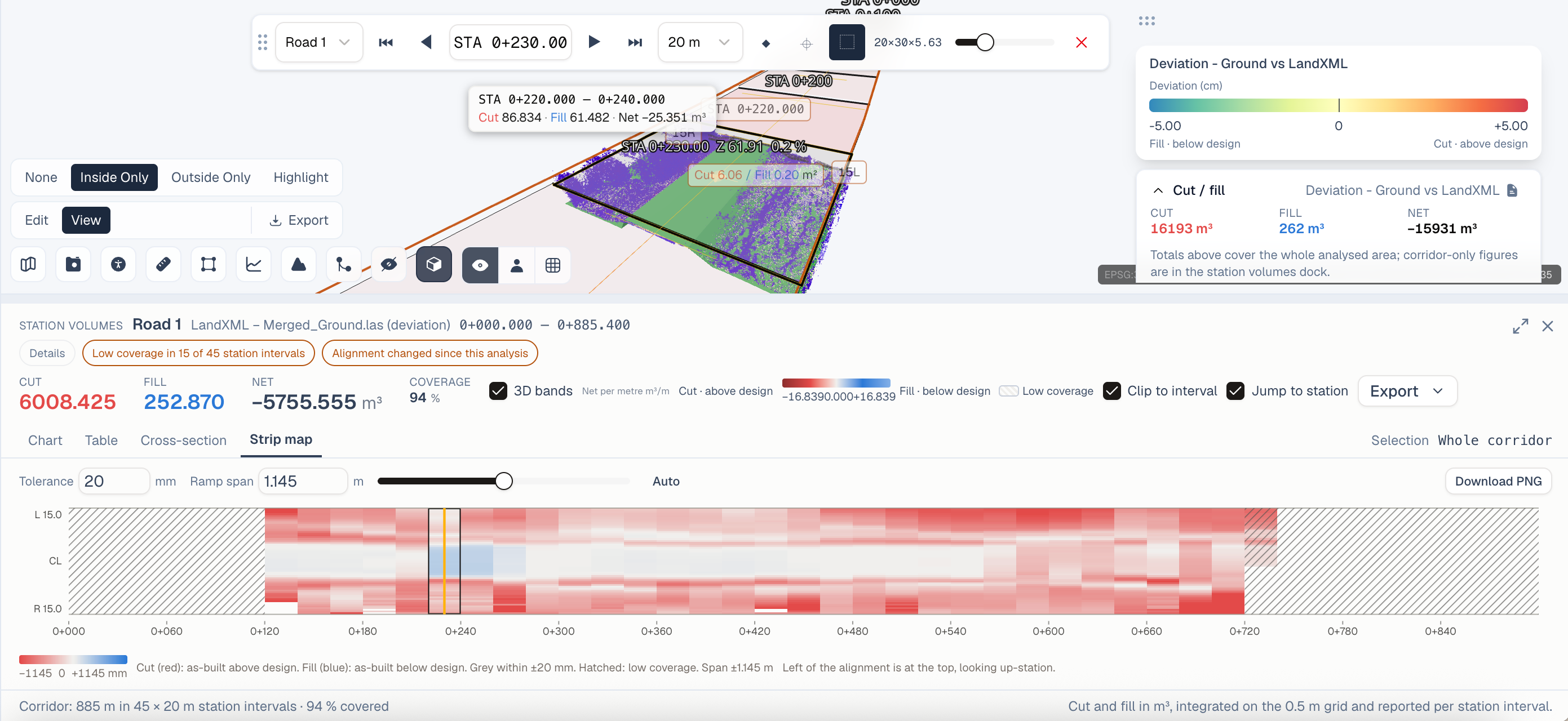
The SkyGIS platform provides a range of analytical tools for point cloud evaluation. These include deviation analysis relative to planes or surfaces, stockpile volume computation, and change detection through comparison of two point clouds of the same area.
Common File Sizes
SkyGIS handles all of these sizes with the same streaming approach - no local downloads required.